
№ 01.4 / Office Suite / Videoconference
Videoconference
№ 01.4 · part of the suite
Browser-based video meetings: no install, no plugin, no account.
What it does
Click the link, the meeting opens. No installer, no plugin, no account for guests. Built on WebRTC inside Chrome, Edge, Firefox and Safari, the videoconference handles SMB-scale calls (up to about 75 participants per call, more in audio-only mode). Recording and live-streaming are off by default, switched on per room when you need them.
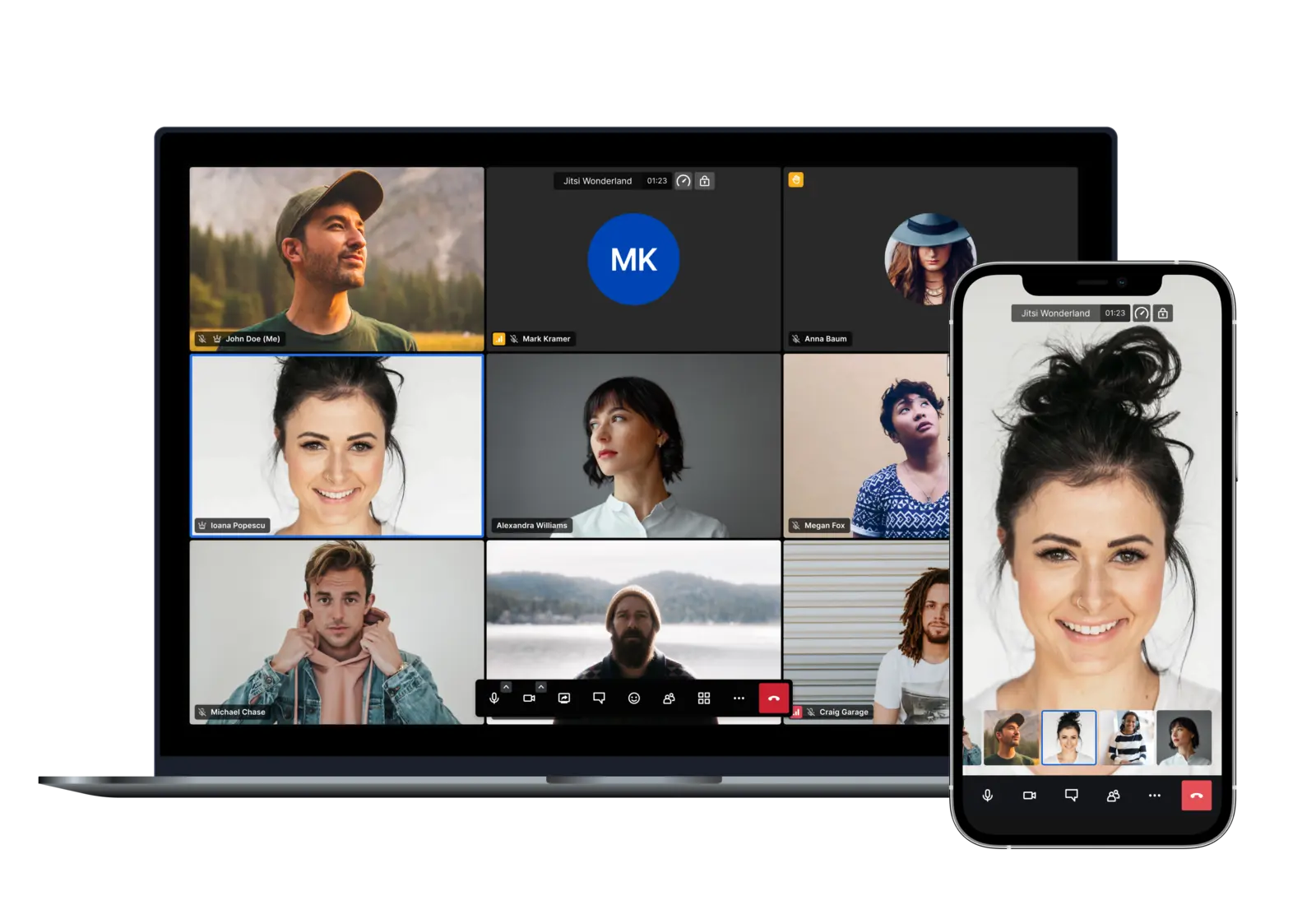
Jitsi Meet · 8x8
№ 01 · Featured
Browser-only joining for guests
Send a link; the recipient clicks. No install, no plugin, no account: works on Chrome, Edge, Firefox and Safari.
✓ Included in every tier
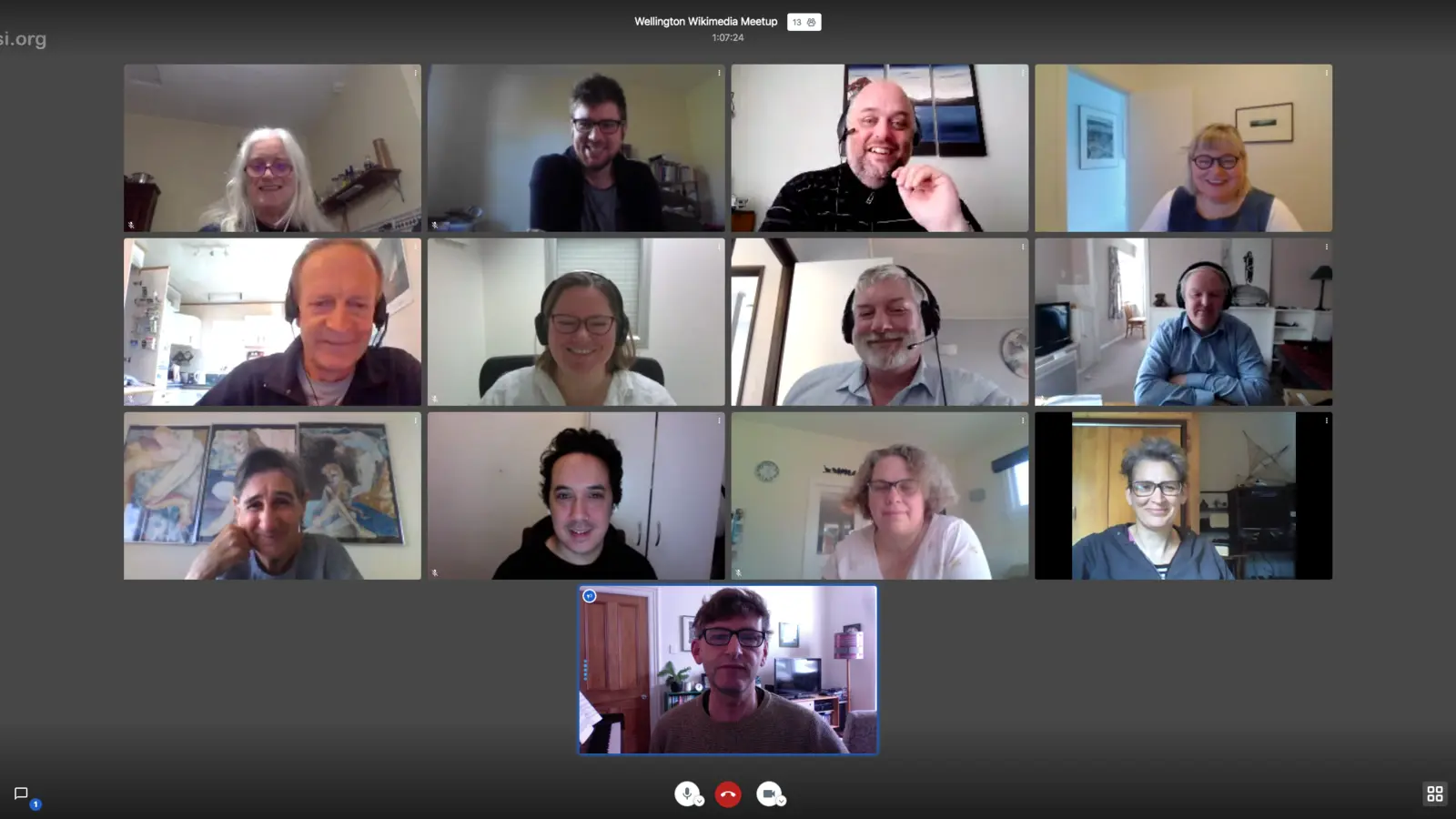
Jitsi Meet · Wellington Wikipedia Meetup 2020-05-09 · CC BY-SA via Wikimedia Commons
№ 02 · Featured
Up to ~75 participants per call
A single videobridge handles SMB-scale meetings; audio-only mode goes higher. Capacity is performance-bound, not licensed.
✓ Included in every tier
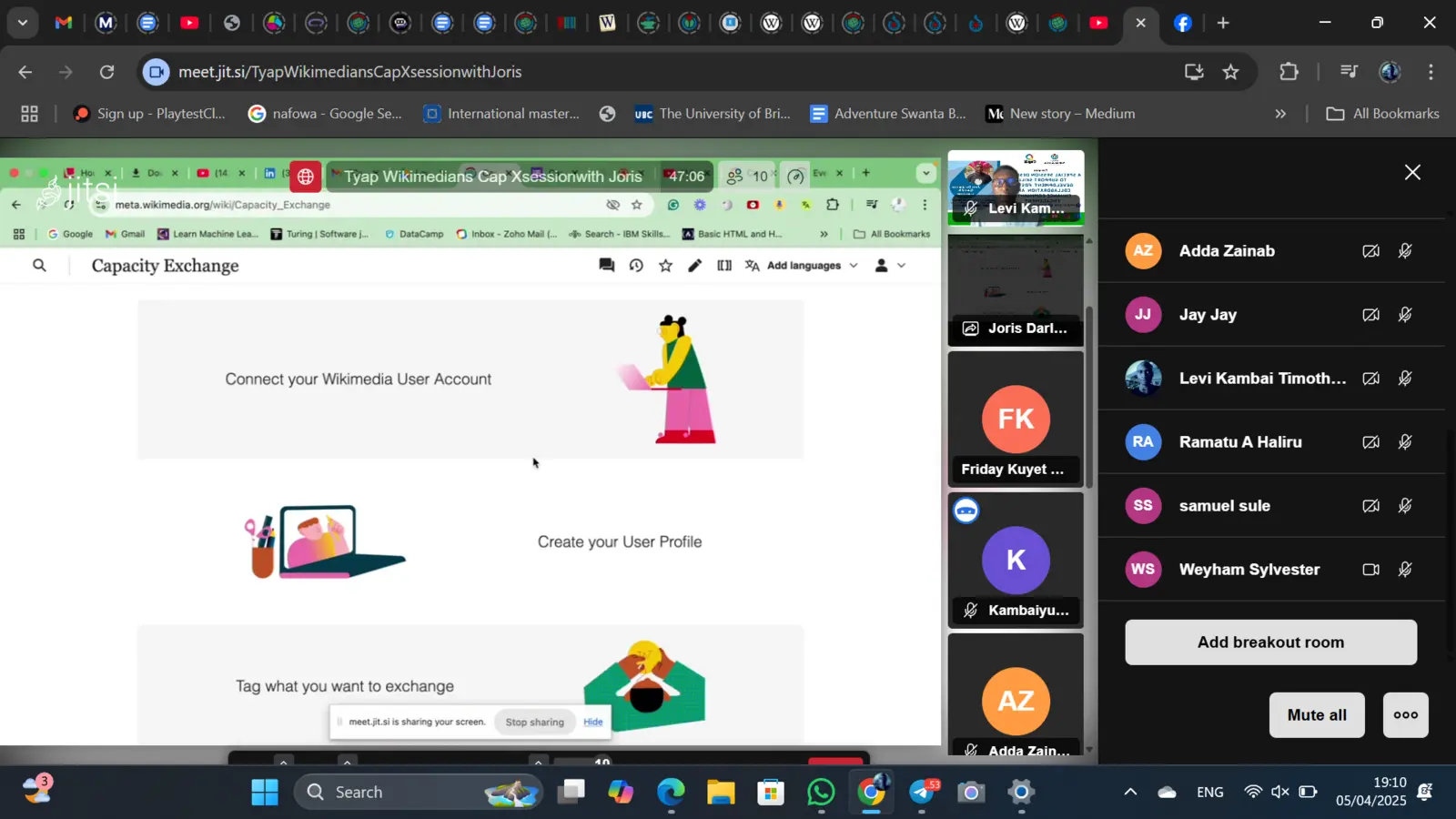
Jitsi Meet · TWU CapX Session · CC BY-SA via Wikimedia Commons
№ 03 · Featured
Breakout rooms
Moderator splits the meeting into smaller groups, then pulls them back. For workshops, board sessions, client onboarding.
✓ Included in every tier
Also included
The operational layer.
Server-side recording
One click records the meeting and saves an MP4 to your storage. No third-party cloud, no credit card to a recording service.
Screen share with audio
Per-window or full-desktop share; remote audio passes through cleanly.
Live streaming
Push to YouTube, Twitch or any RTMP target for town-halls and webinars.
Lobby mode and waiting room
Moderator approves each joiner before they enter, useful for client calls.
Phone dial-in
Optional bridge so participants can join by phone number when the network drops.
End-to-end encryption available
Encrypts the media path between participants, opt-in per room.
Background blur, raise hand, polls
Reactions, virtual backgrounds, poll-vote tooling, all in-browser.
Available in
Every tier. In the browser.
Videoconference ships in Core, Mesh and Fleet: same software, same features. The difference between tiers is operational: Mesh and Fleet add a desktop launcher and (for applicable apps) a sync client, and Fleet adds the managed laptops we ship with everything pre-configured.