
№ 001 / Sovereign IT for European SMBs
All your IT, taken care of. At a fraction of the cost.
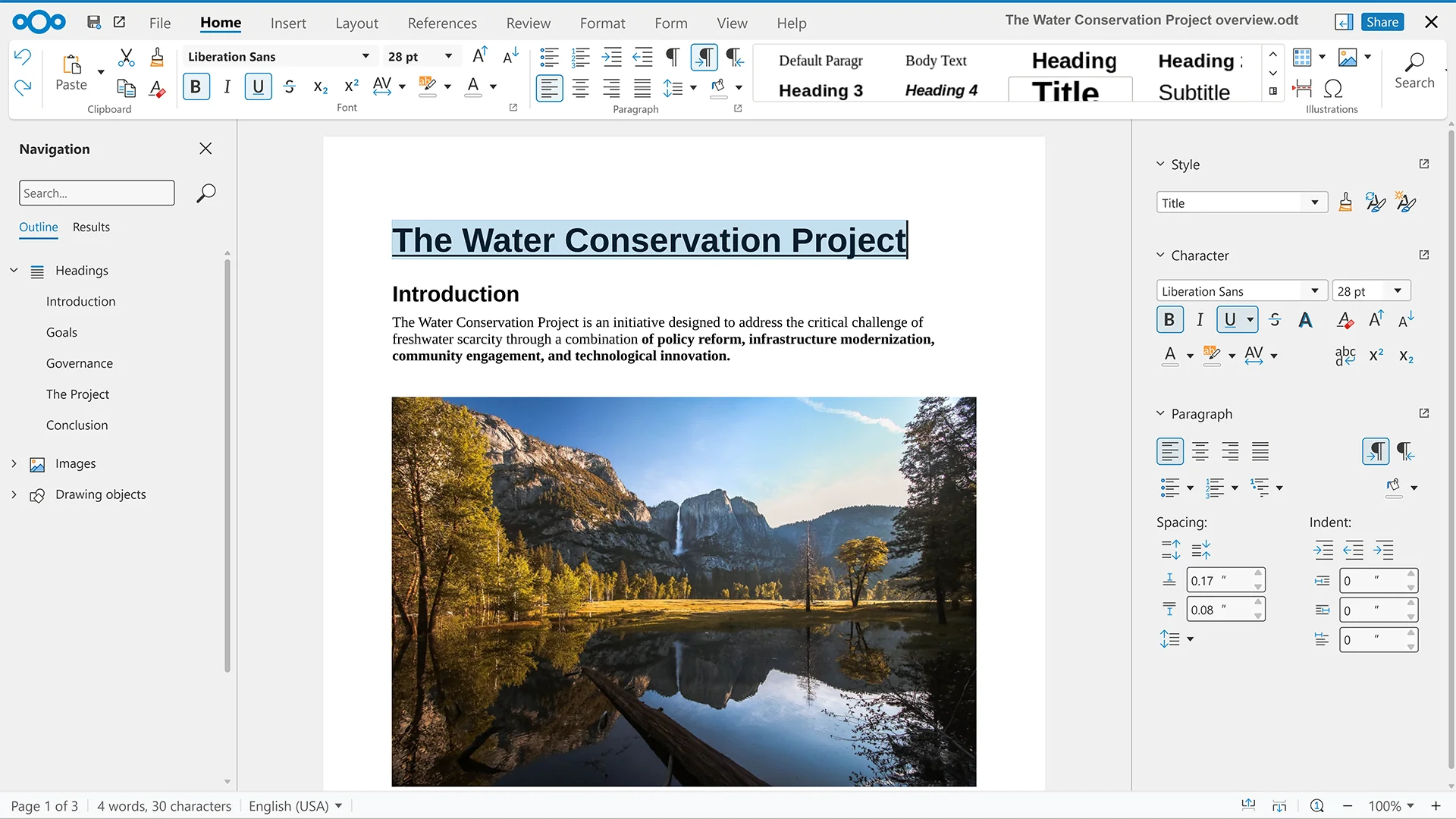
We set up, manage and back up everything your team uses to work: mail, files, video, laptops, security. One bundle, one price, fully sovereign: open-source software hosted in the EU.
№ 002 / The Office Suite
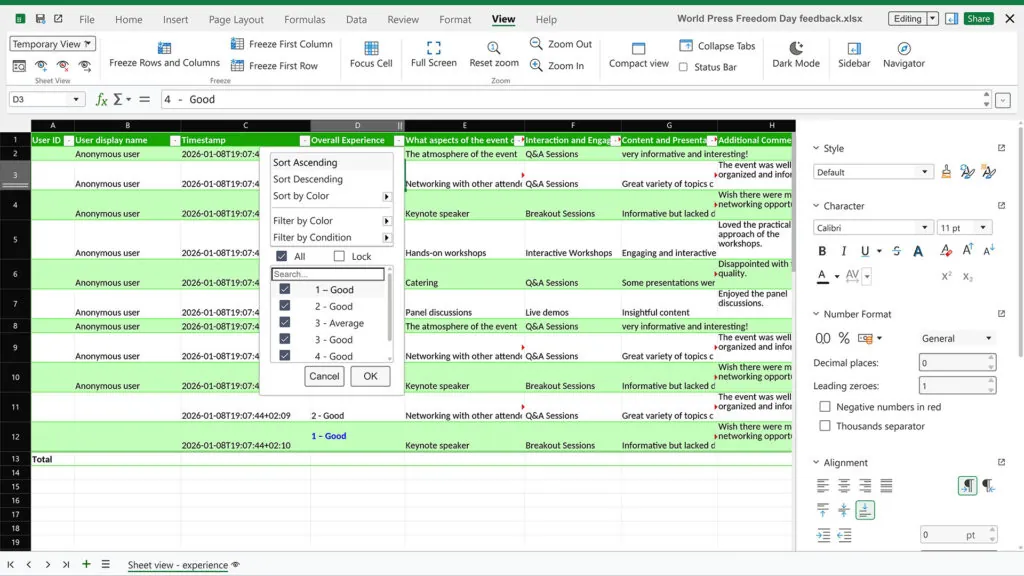
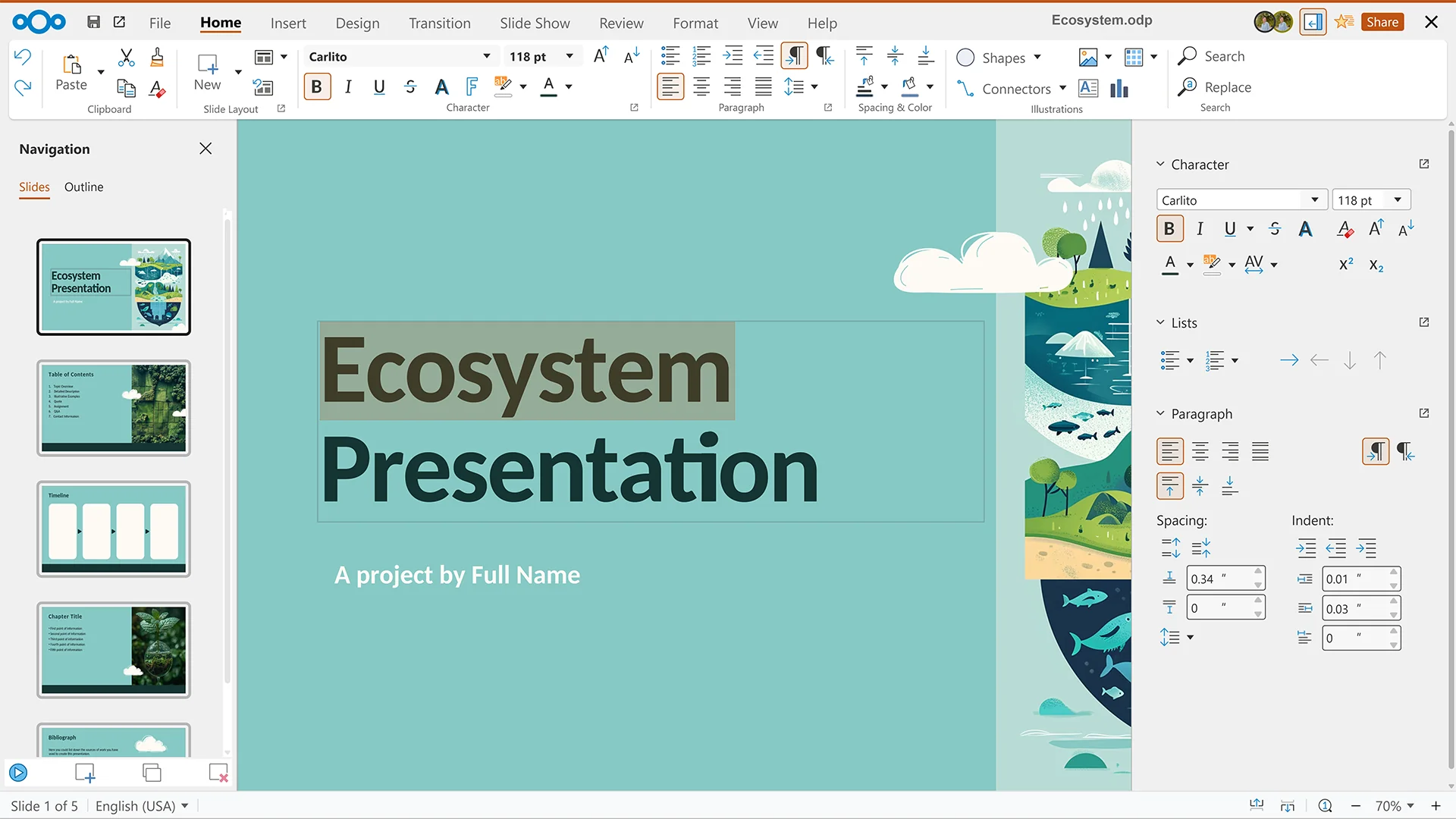
All in the browser.
And on the desktop too.
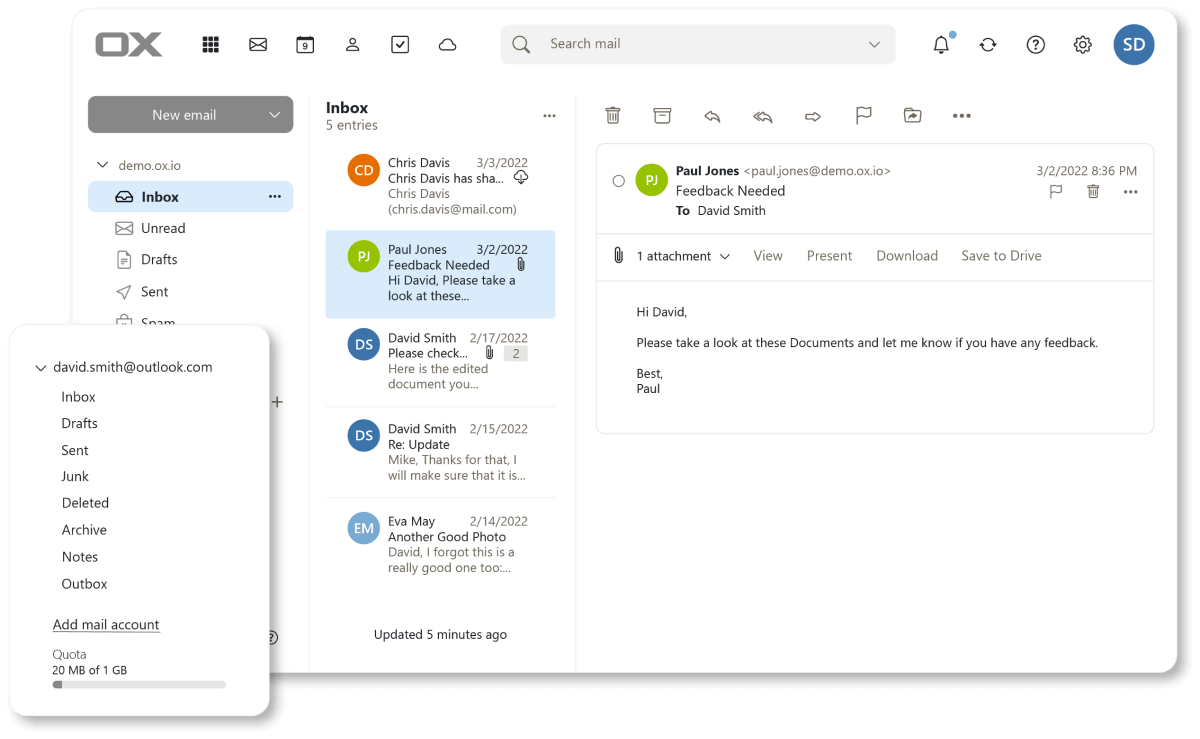
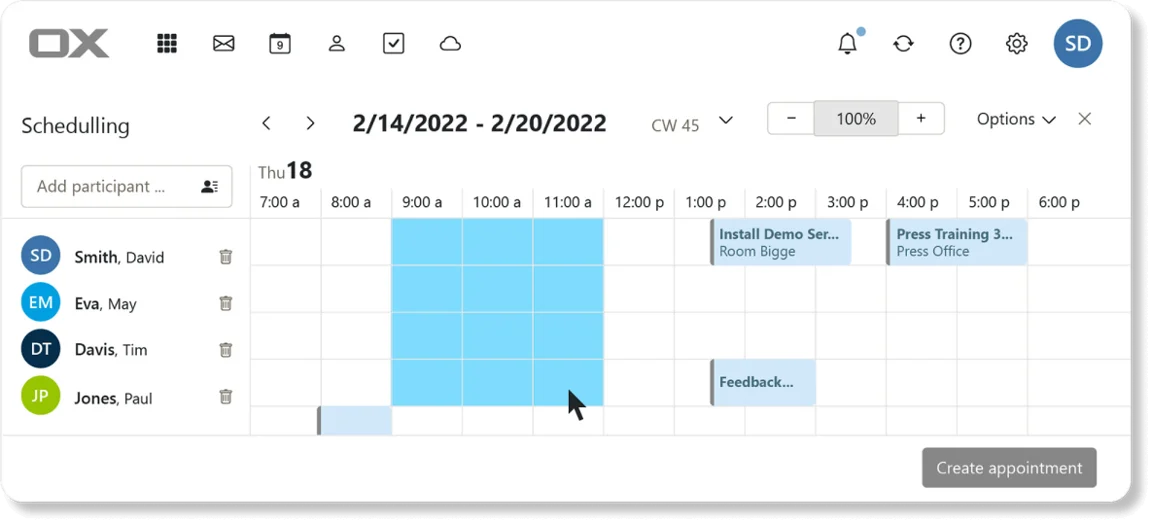
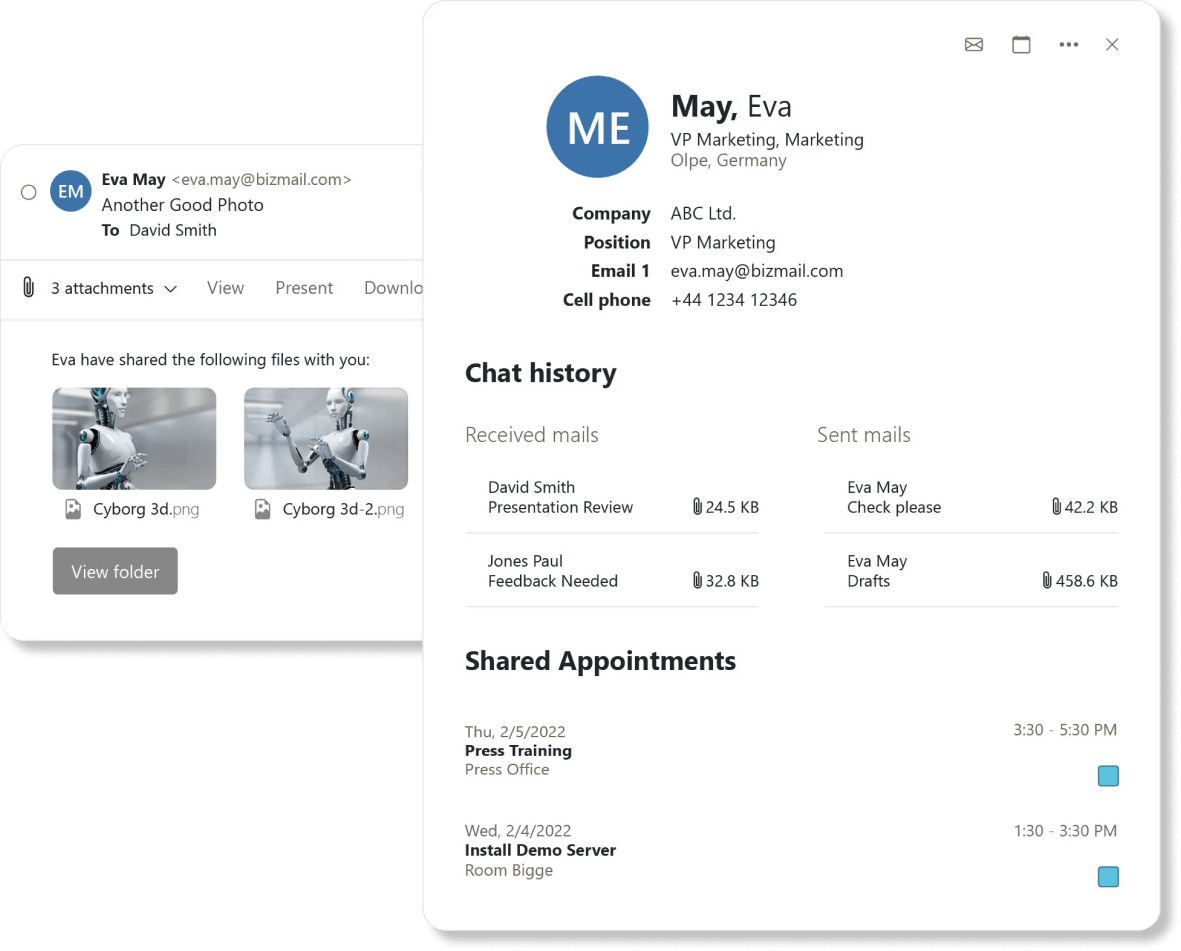
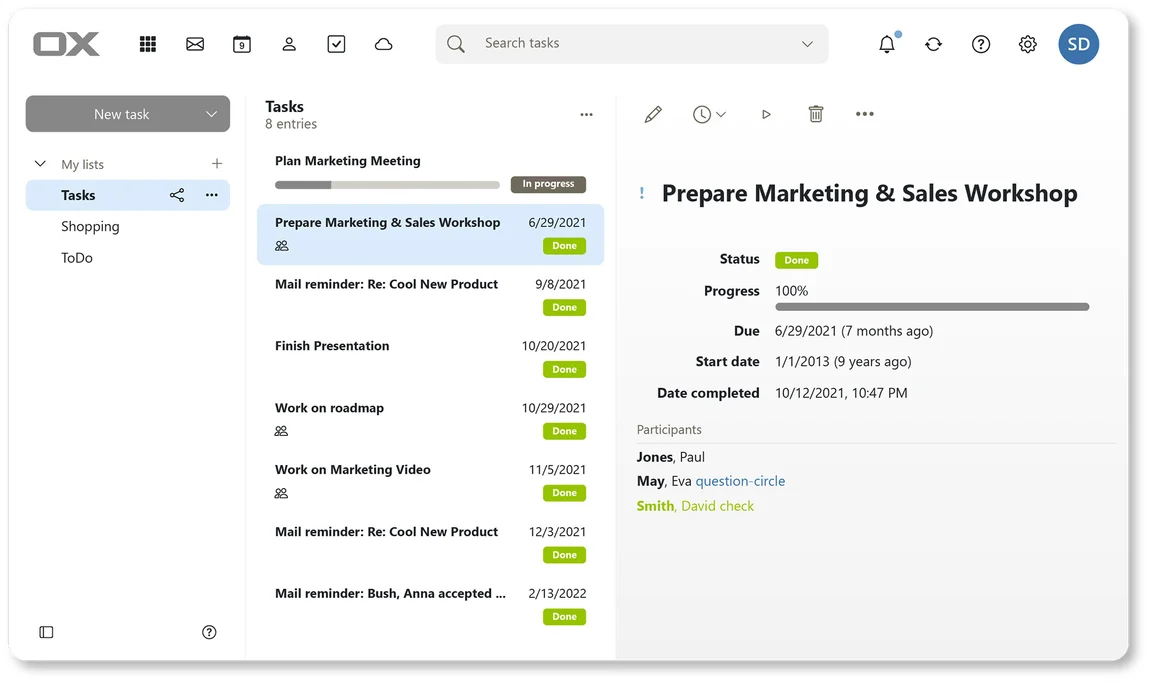
Mail · Calendar · Contacts · Tasks
Mail, calendar, contacts, tasks: one window, like Outlook. Works with the iPhone and Android mail apps your team already uses.
Learn more →
Files
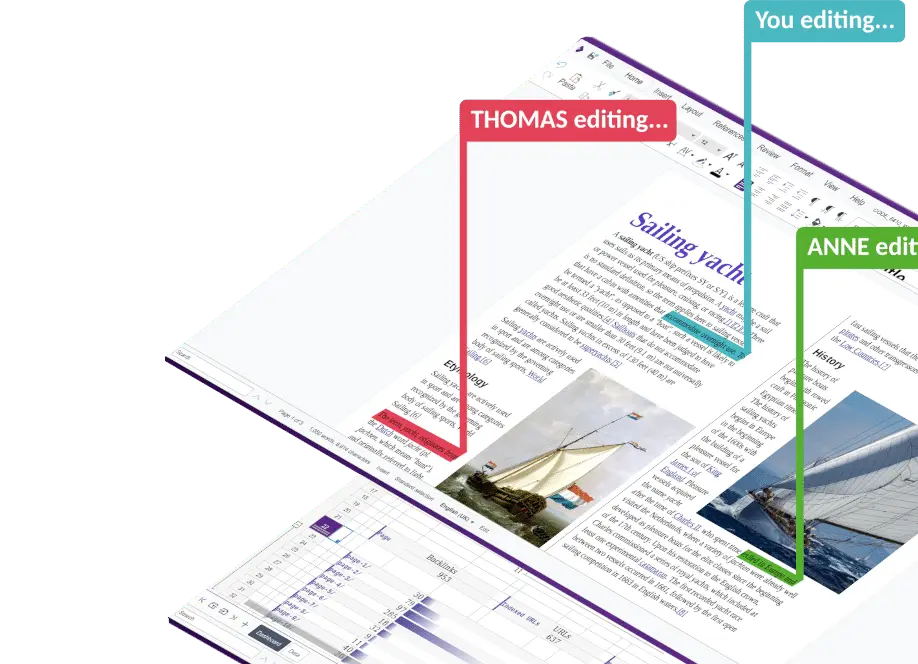
Sync clients for Windows, Mac, Linux, iOS, Android. Real-time co-editing of Office documents in the browser. Public share links, version history.
Learn more →
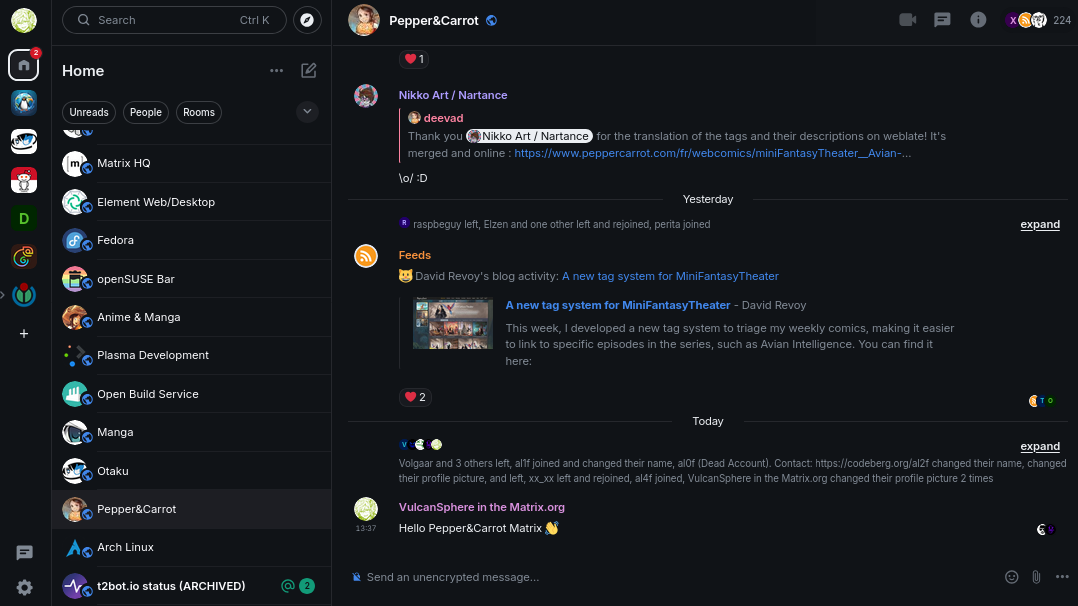
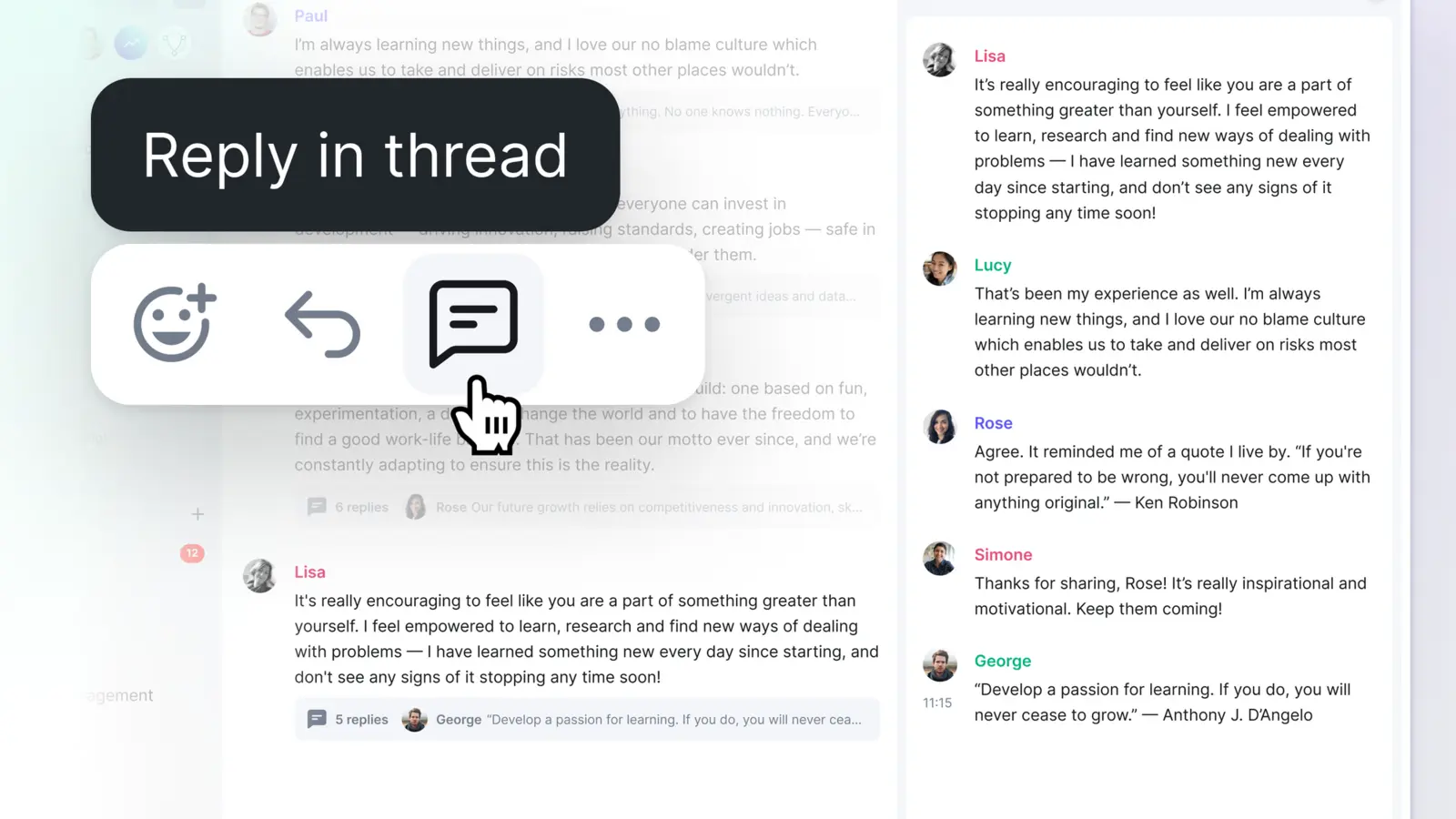
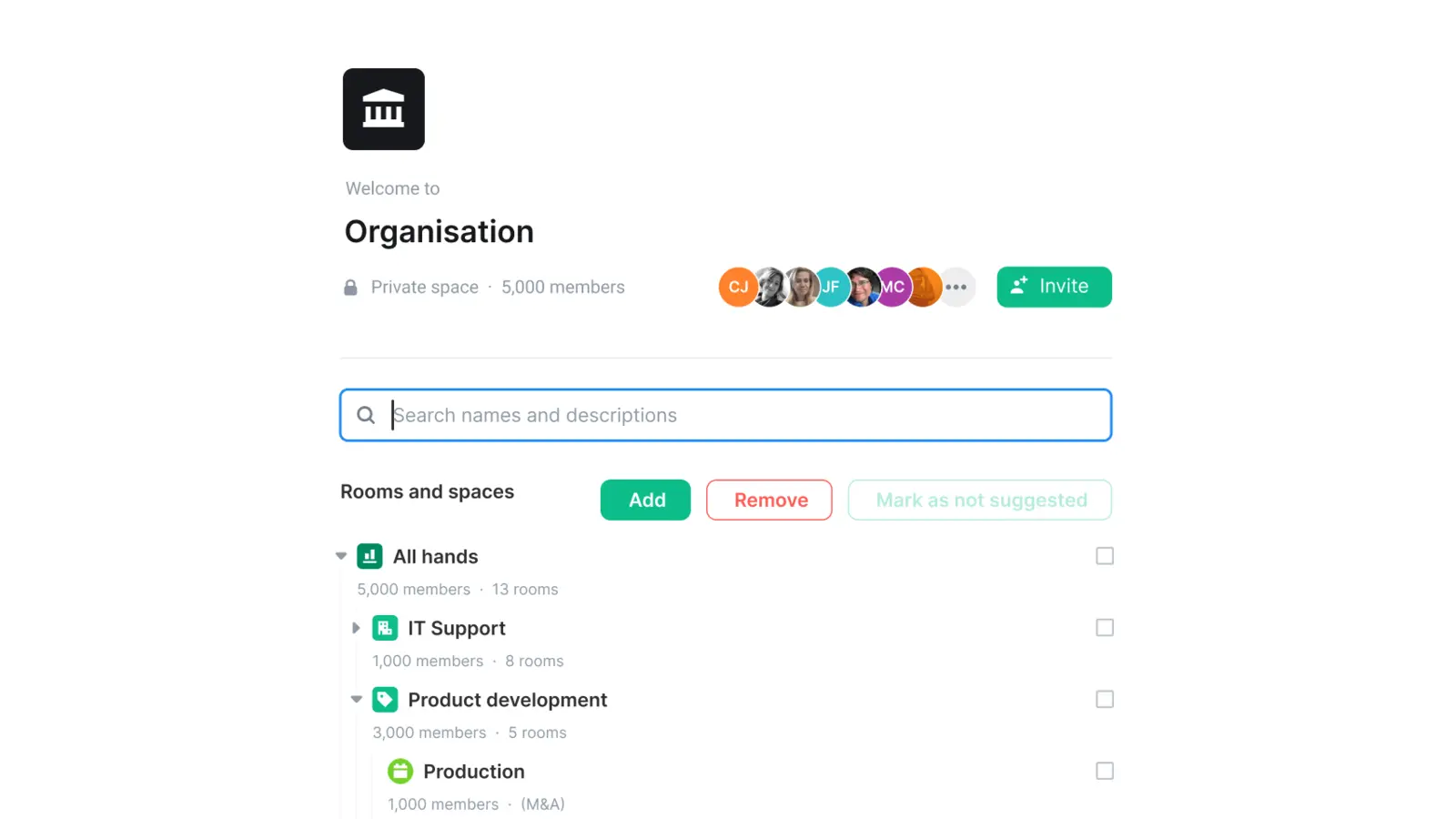
Chat
Persistent team channels, voice, screen share. Your messages live on your server, not someone else's.
Learn more →
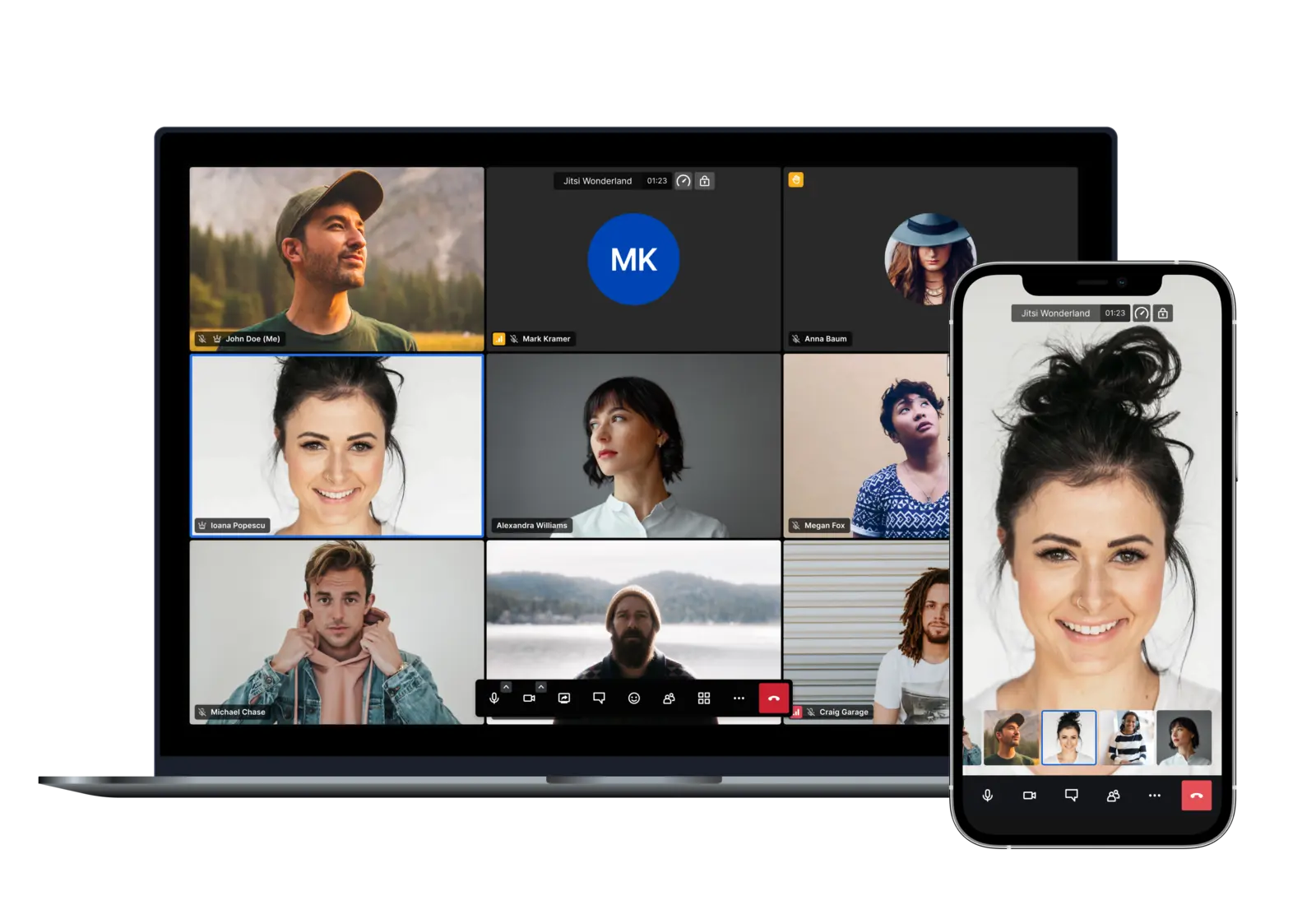
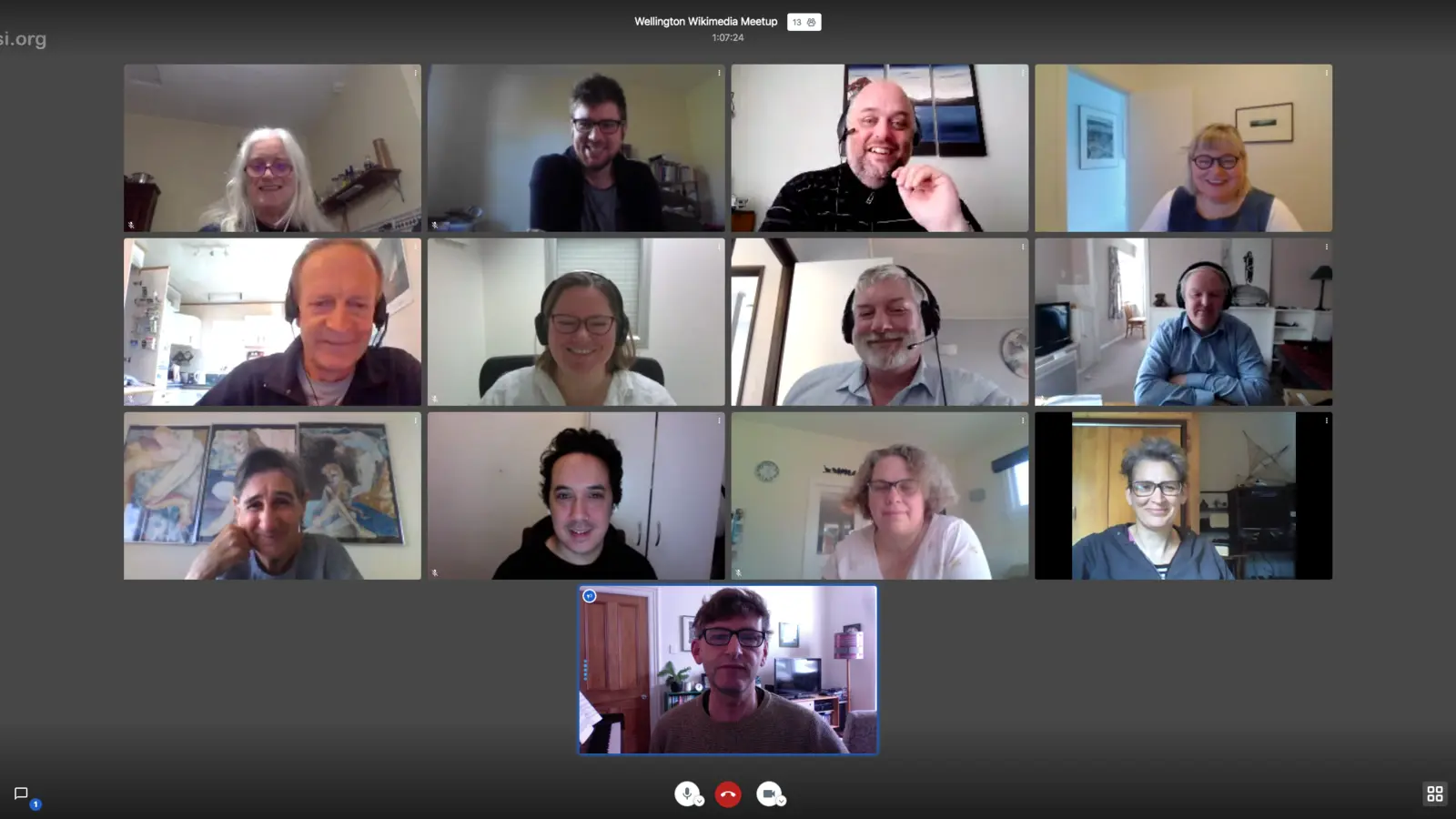
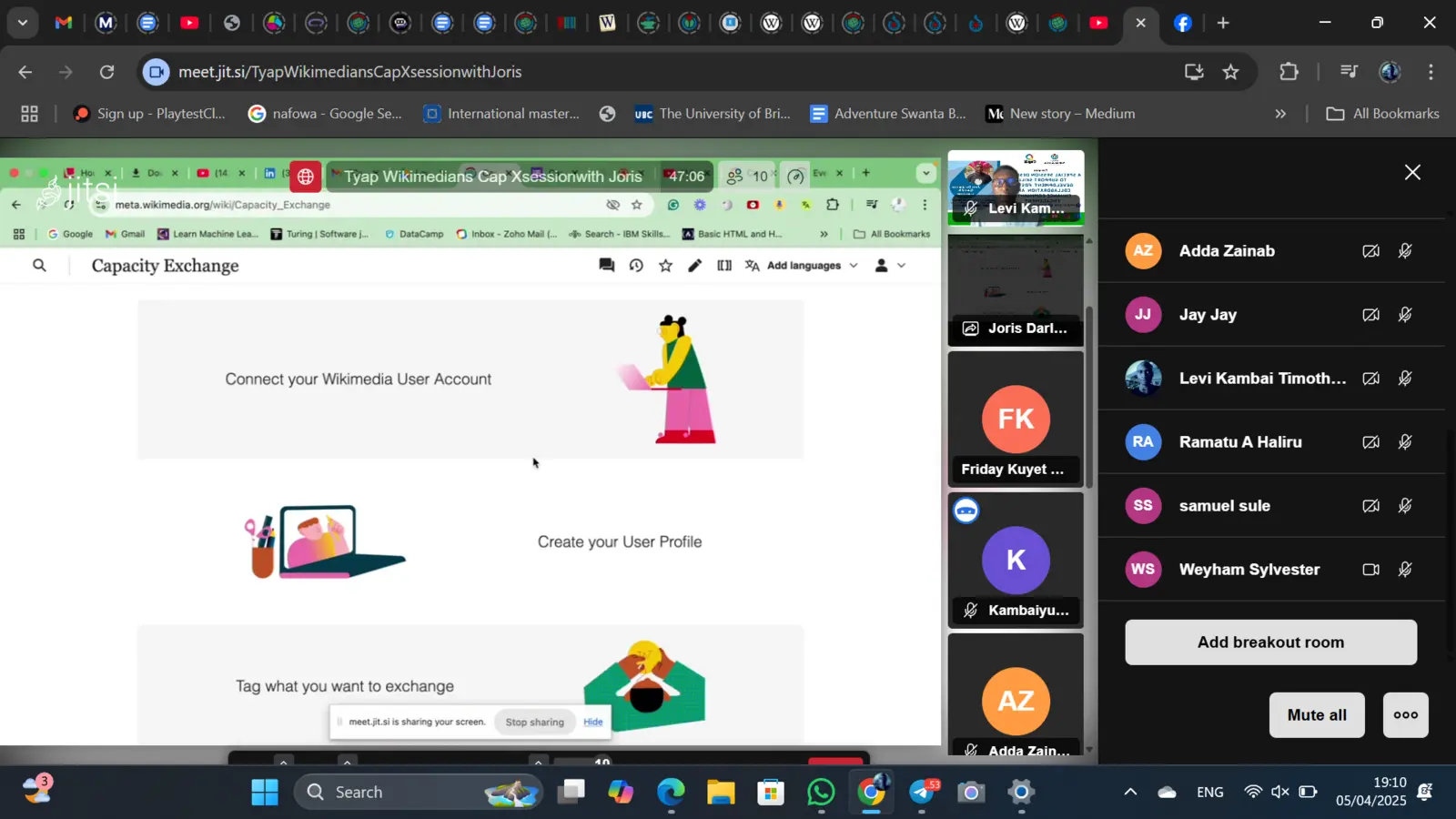
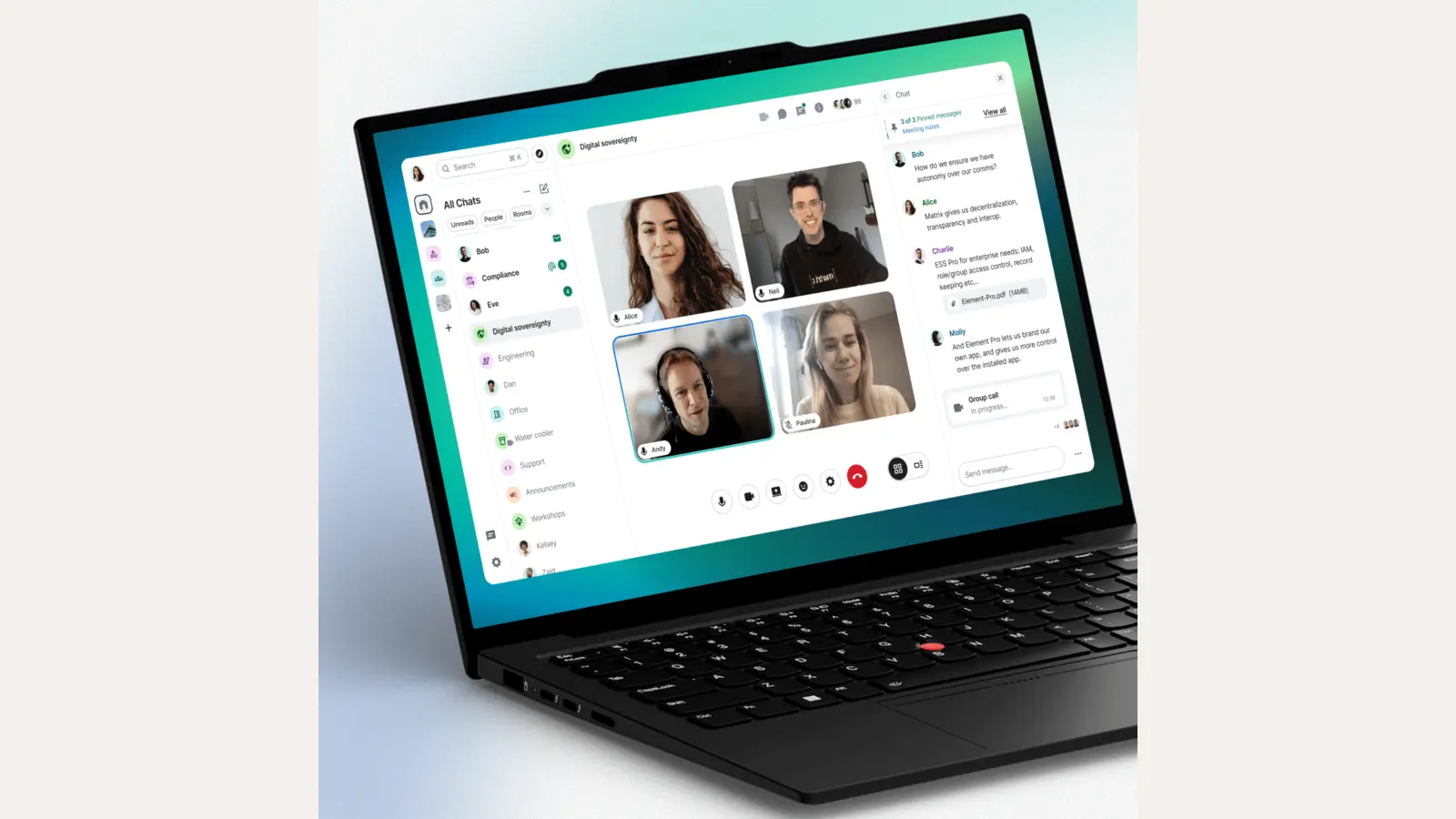
Videoconference
Open in the browser, no install, no plugin. Up to ~75 in a room. Recording, breakout rooms, dial-in optional.
Learn more →
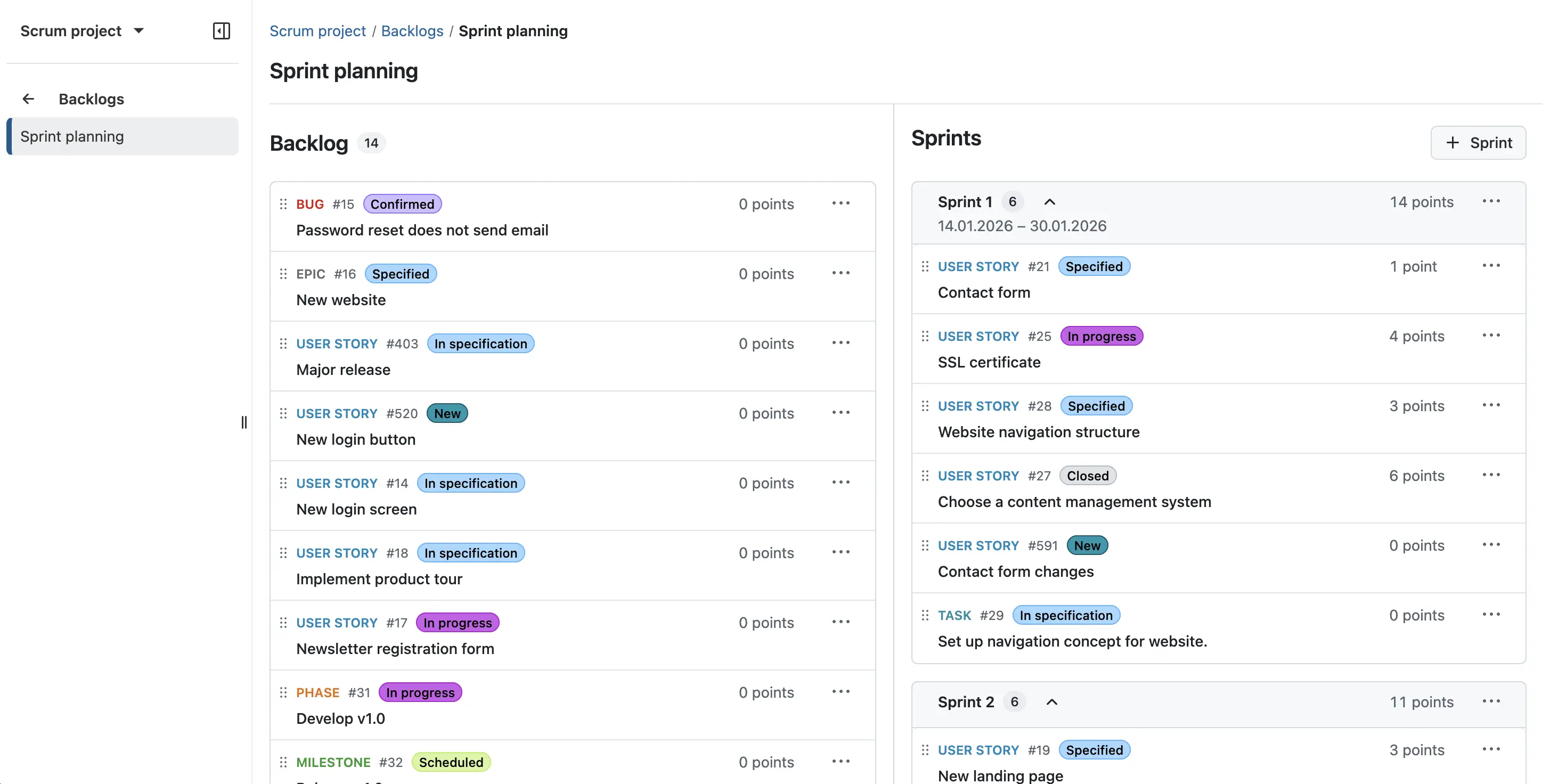
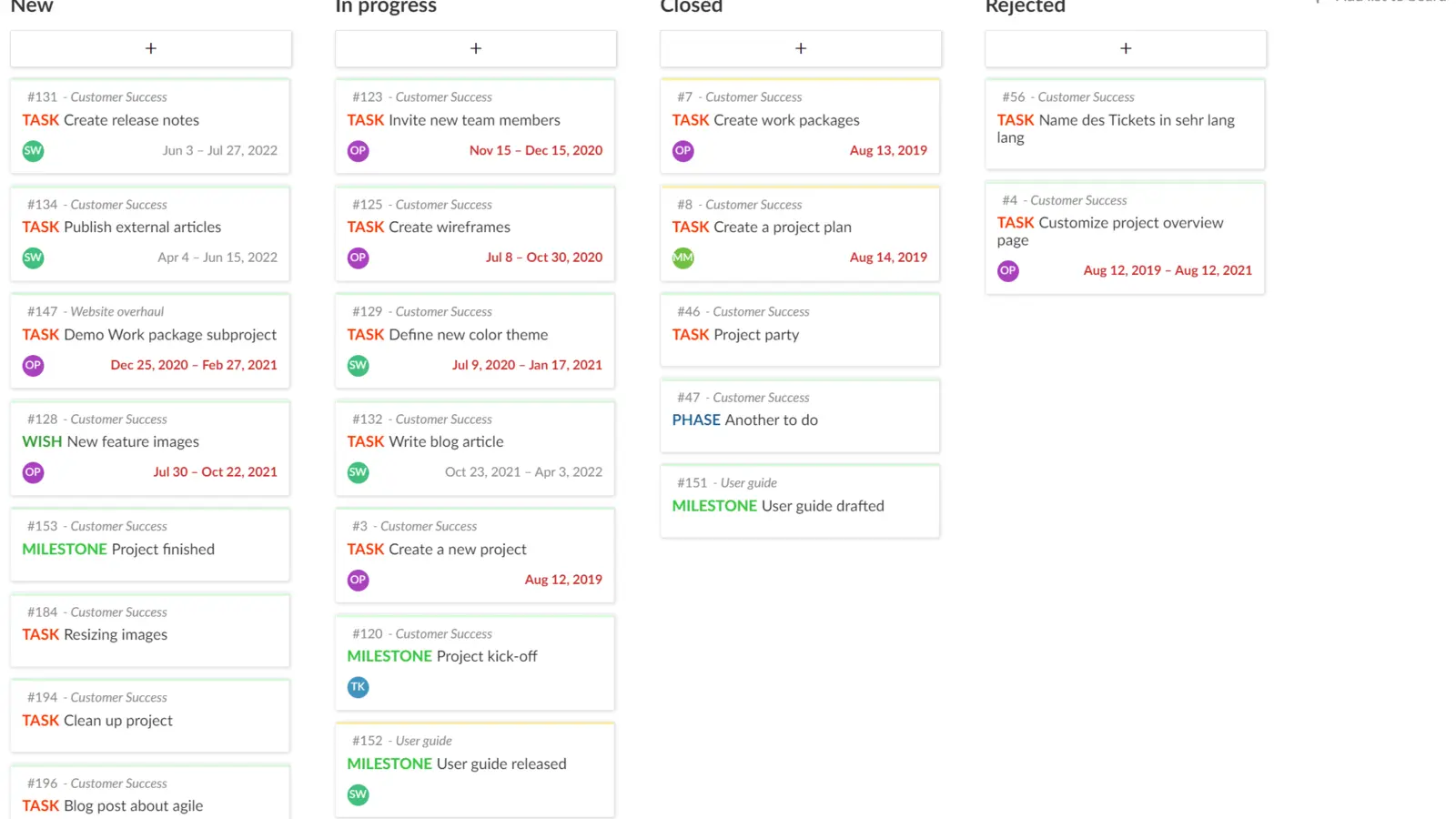
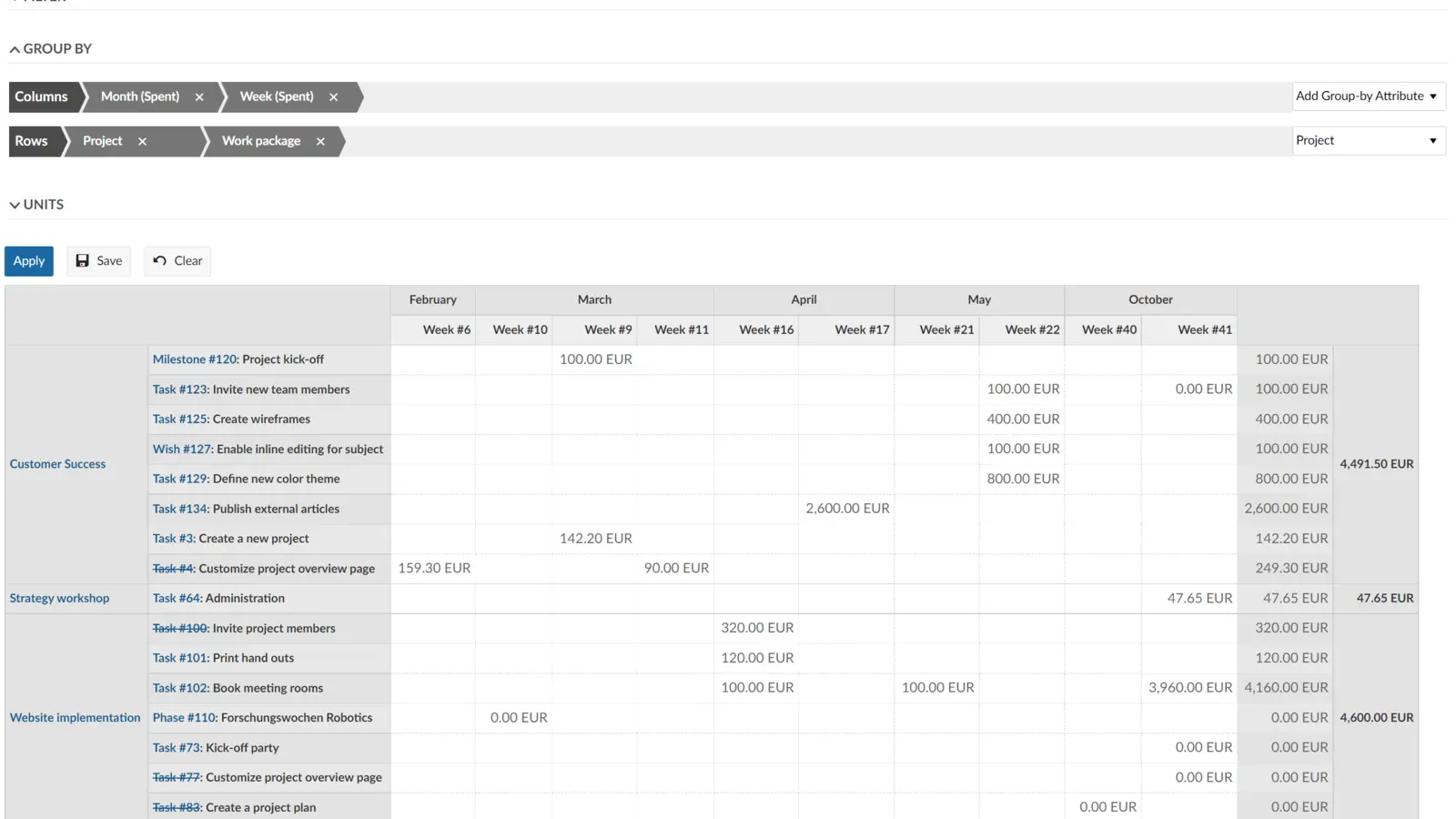
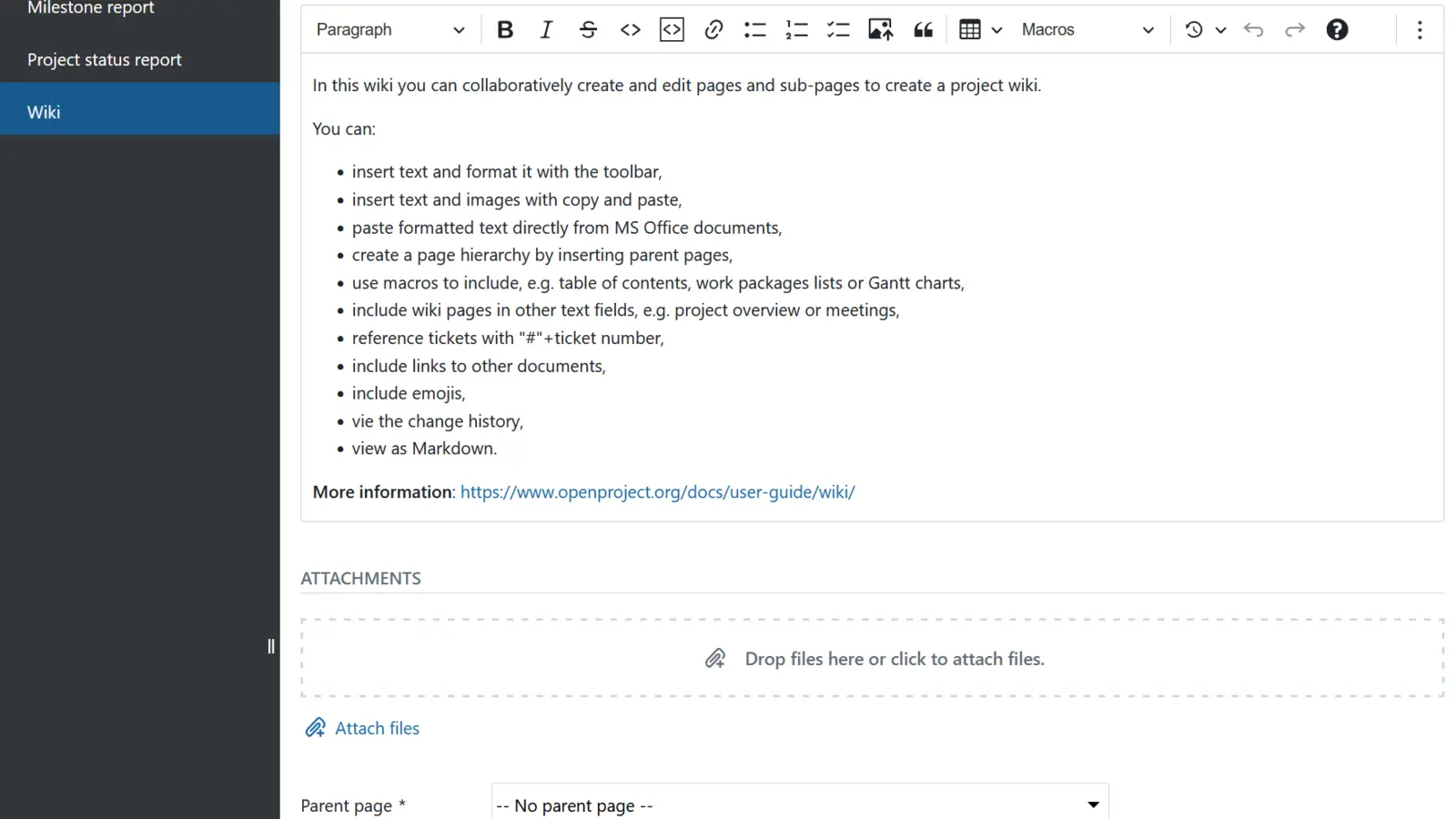
Project management
Gantt, kanban, timelines, time tracking. Integrates with the wiki.
Learn more →
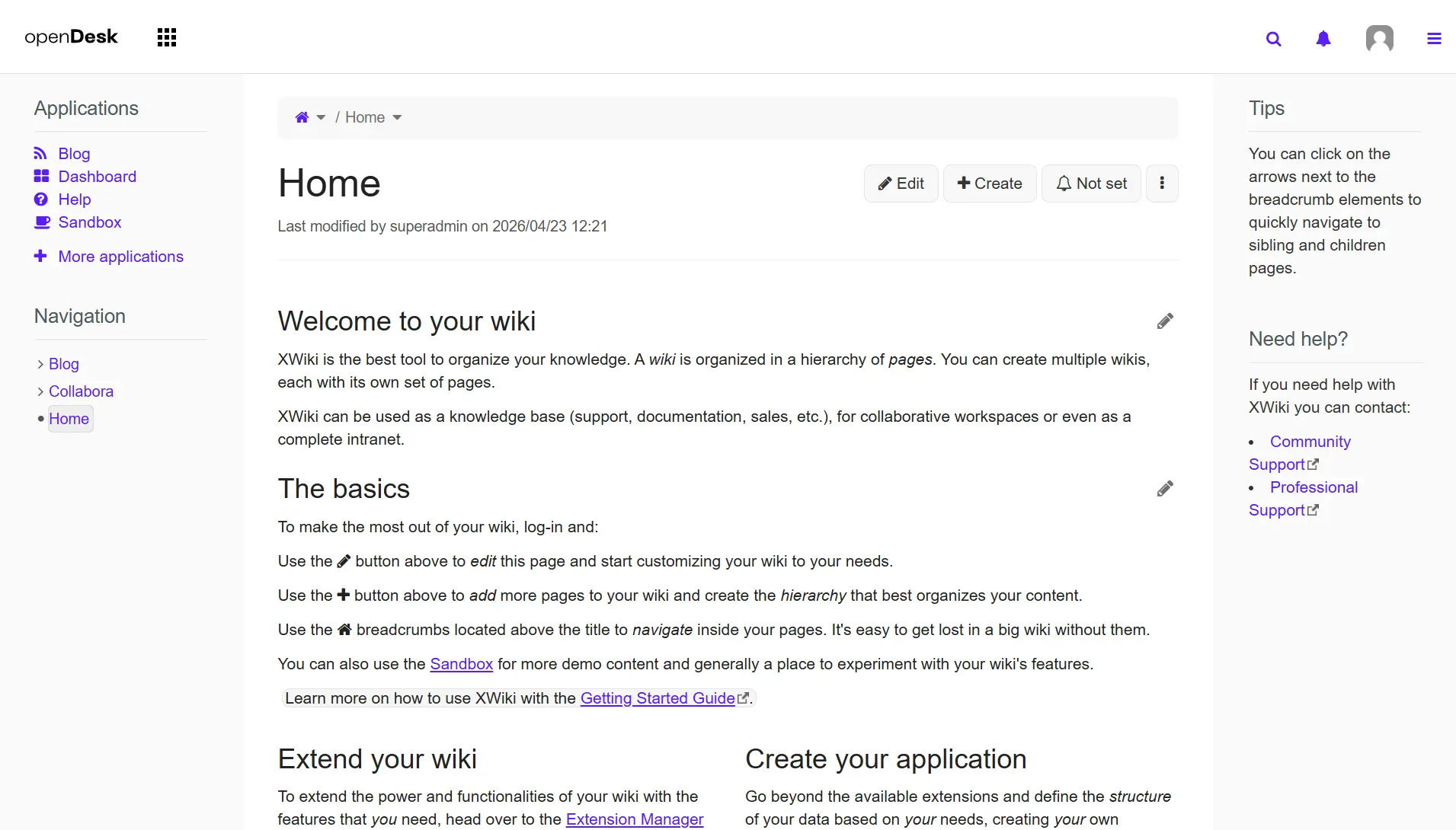
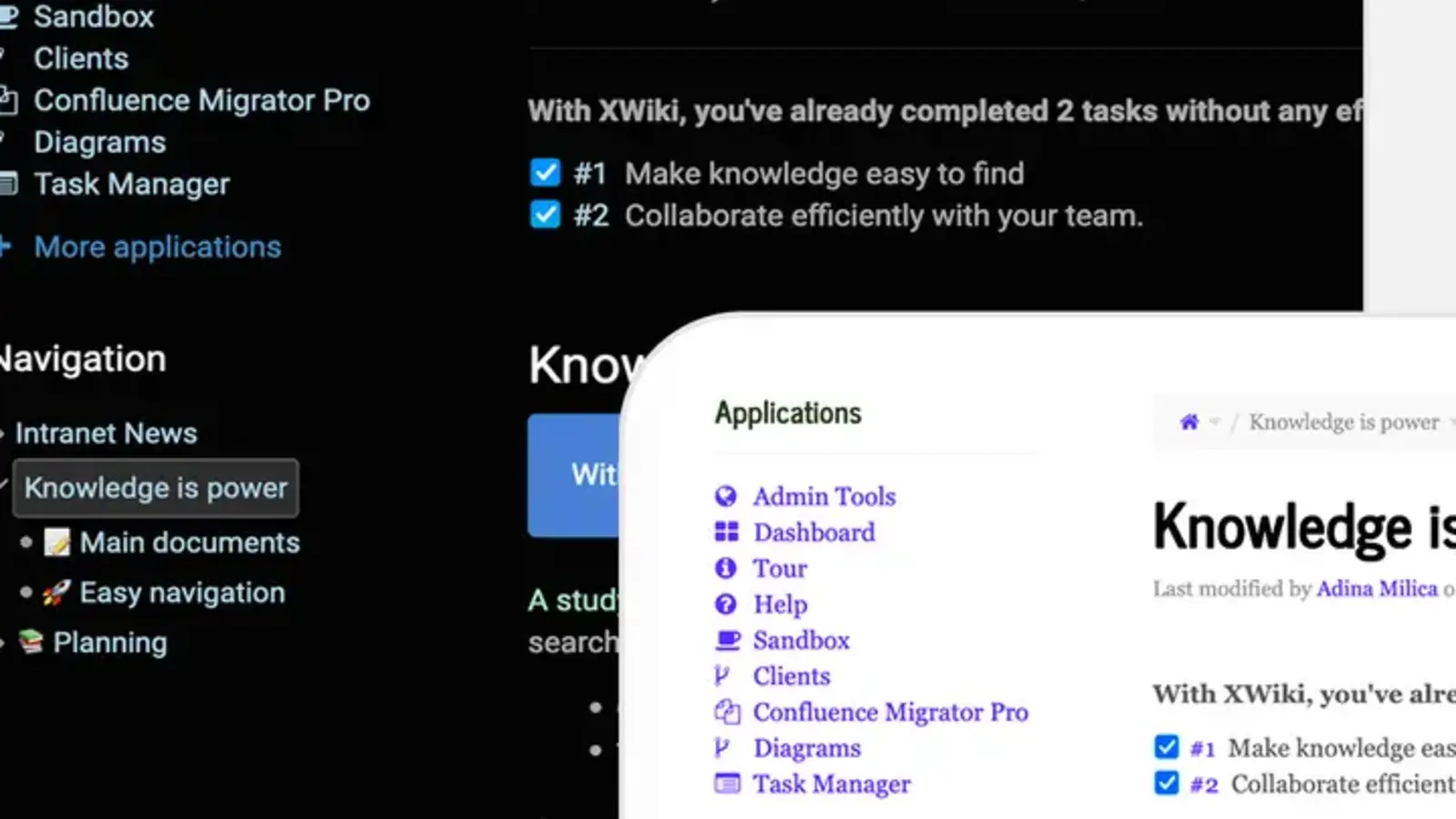
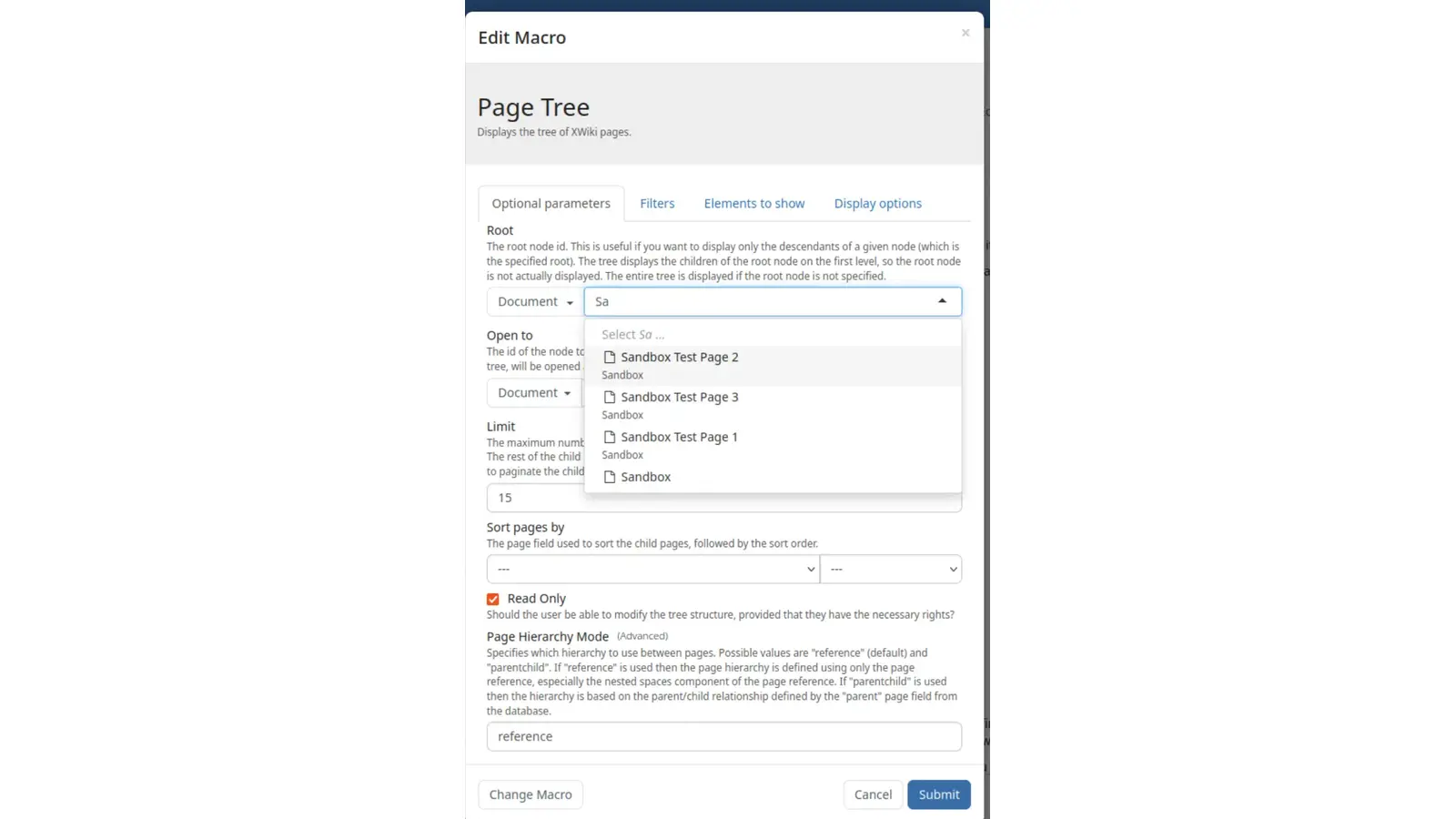
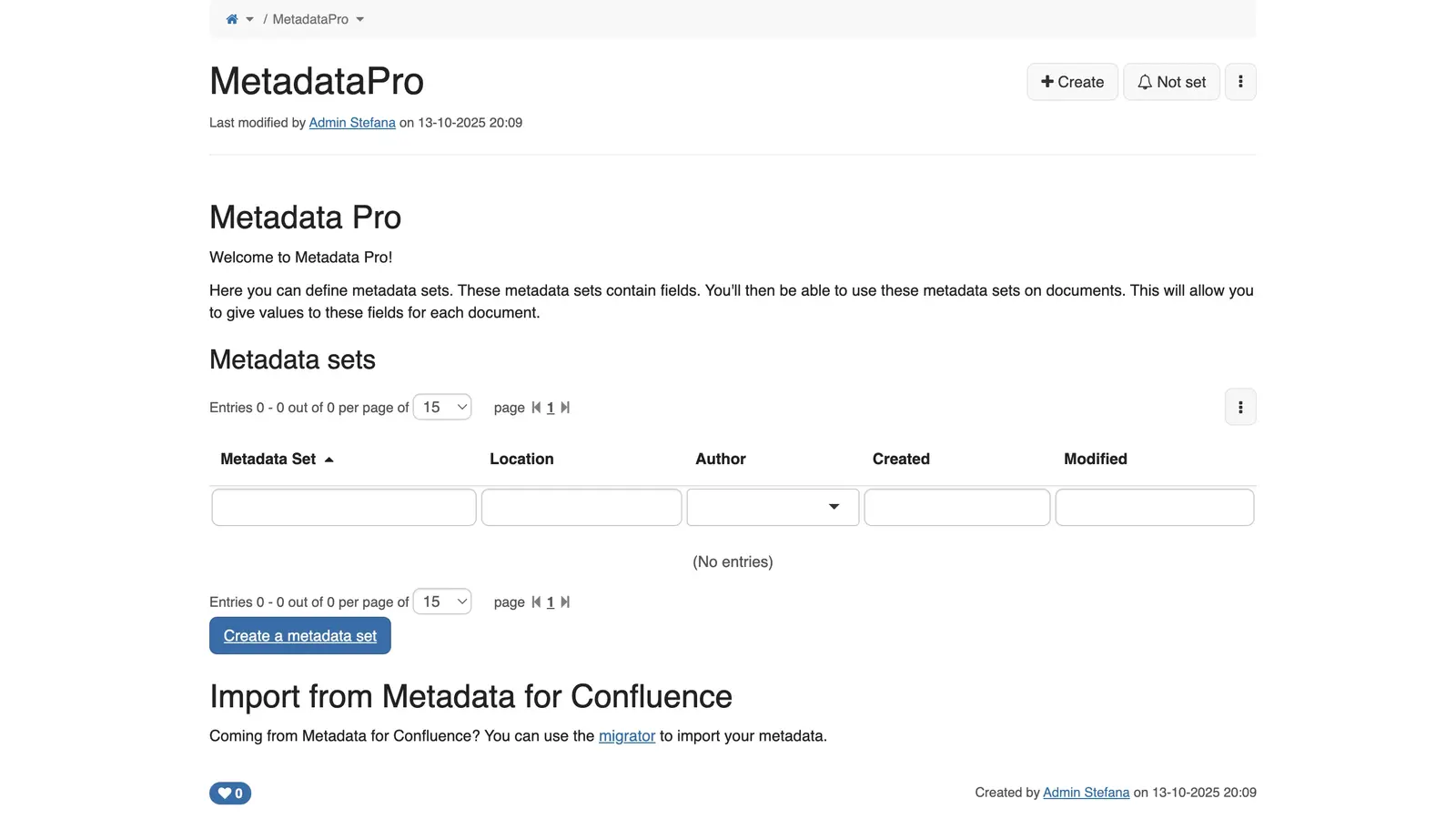
Knowledge
Structured pages, macros, attachments. Where the company memory lives.
Learn more →
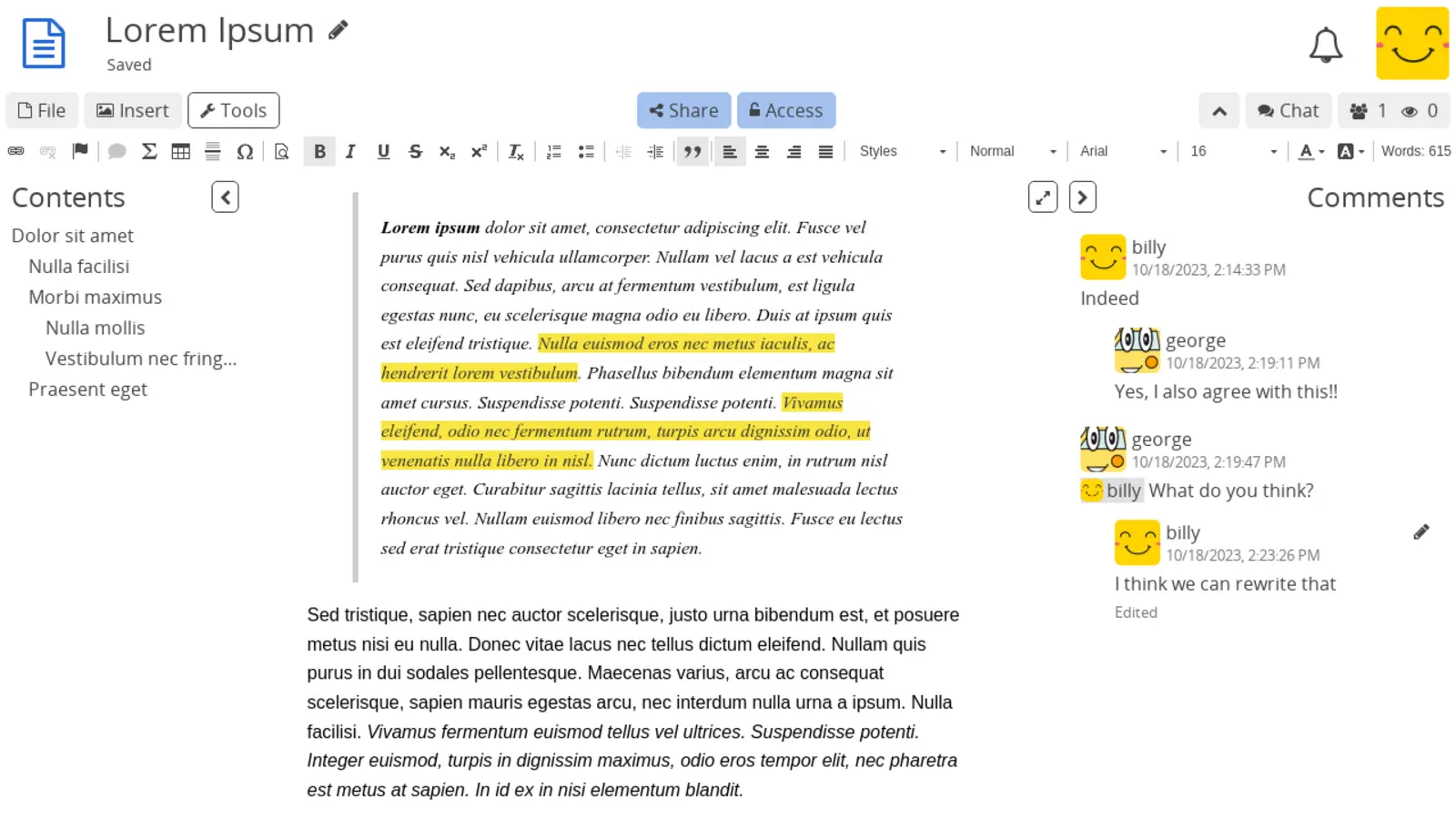
Notes
Personal and team notes: pages and sub-pages, real-time co-editing, encrypted on the server.
Learn more →
+ Add-on
Intelligence
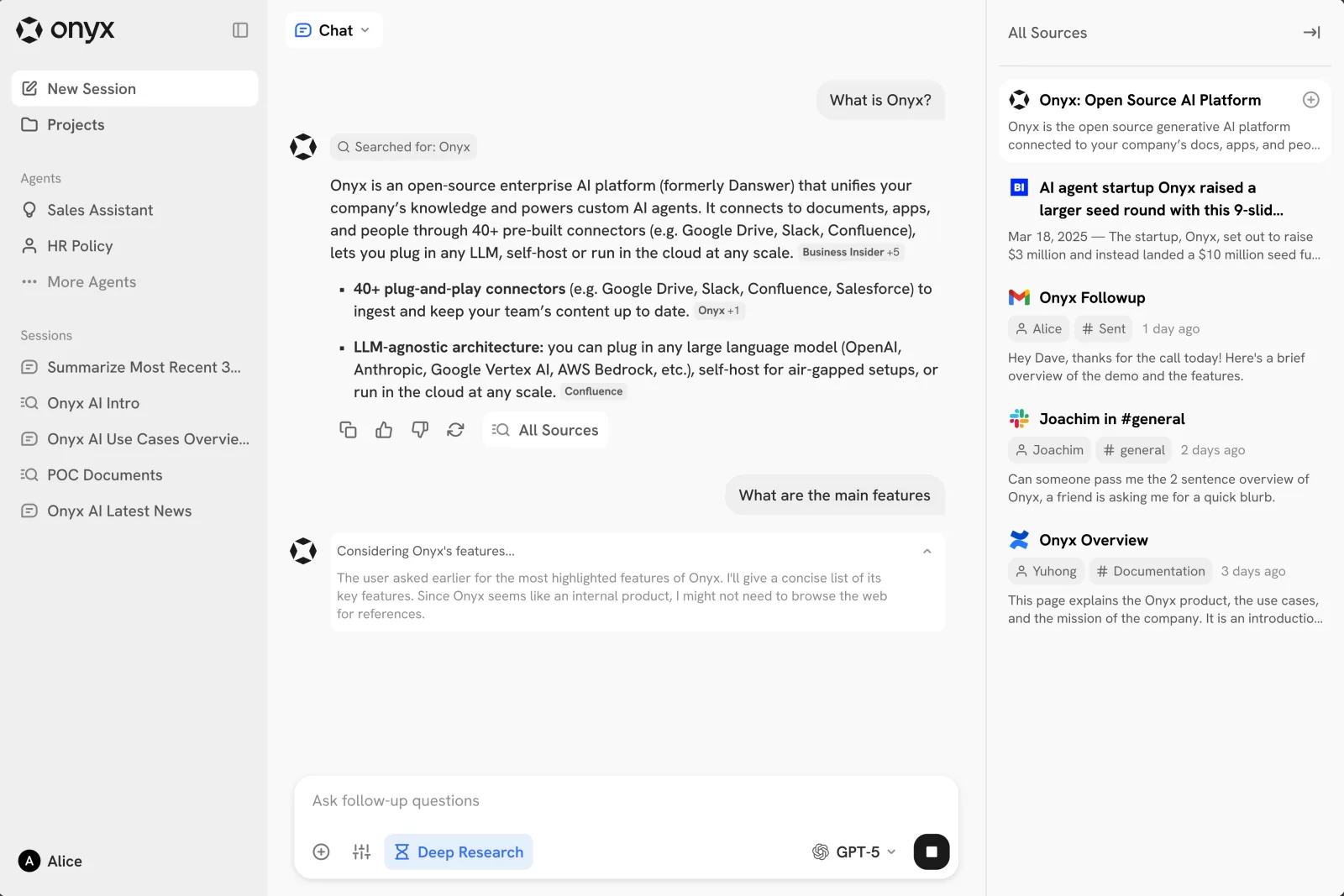
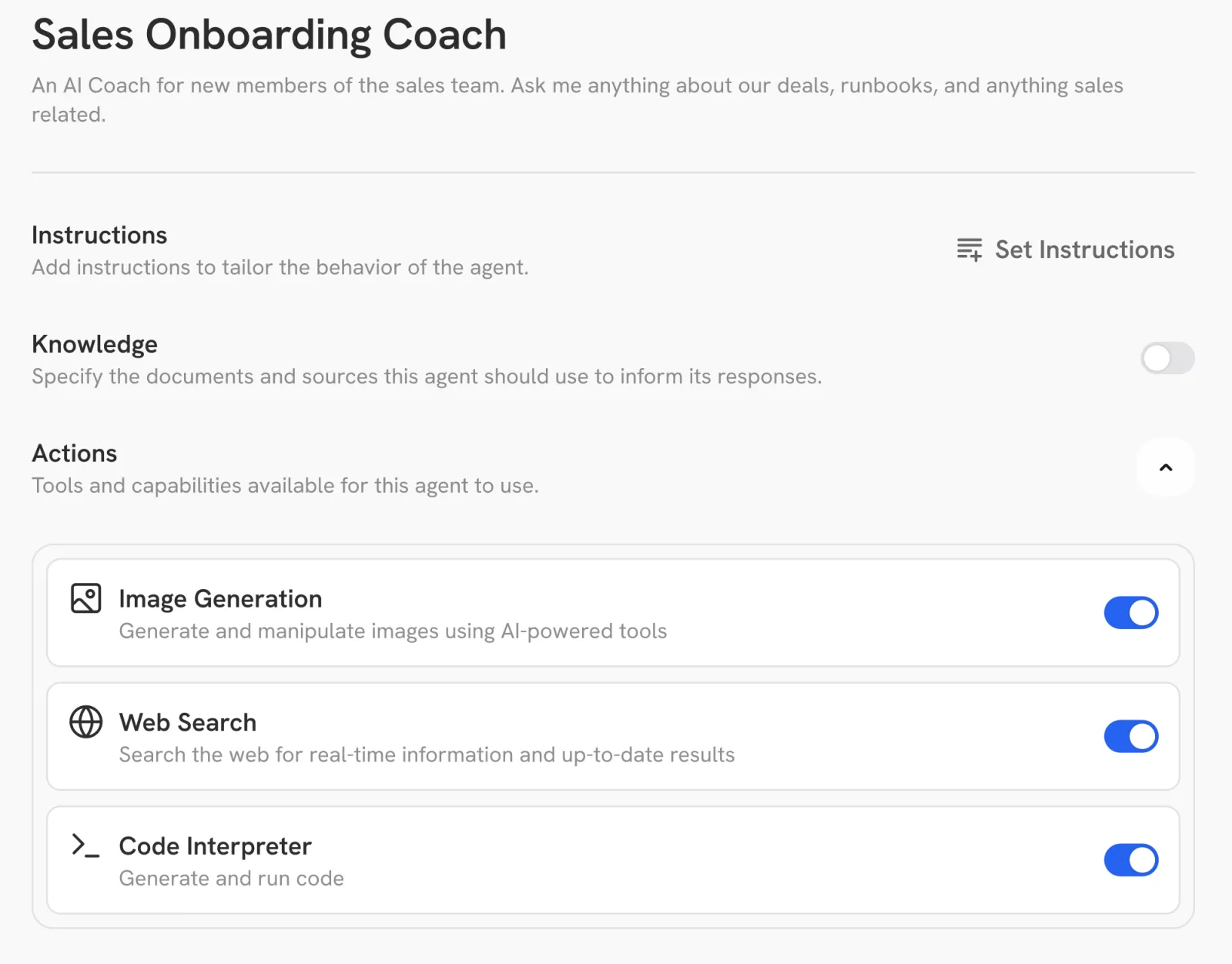
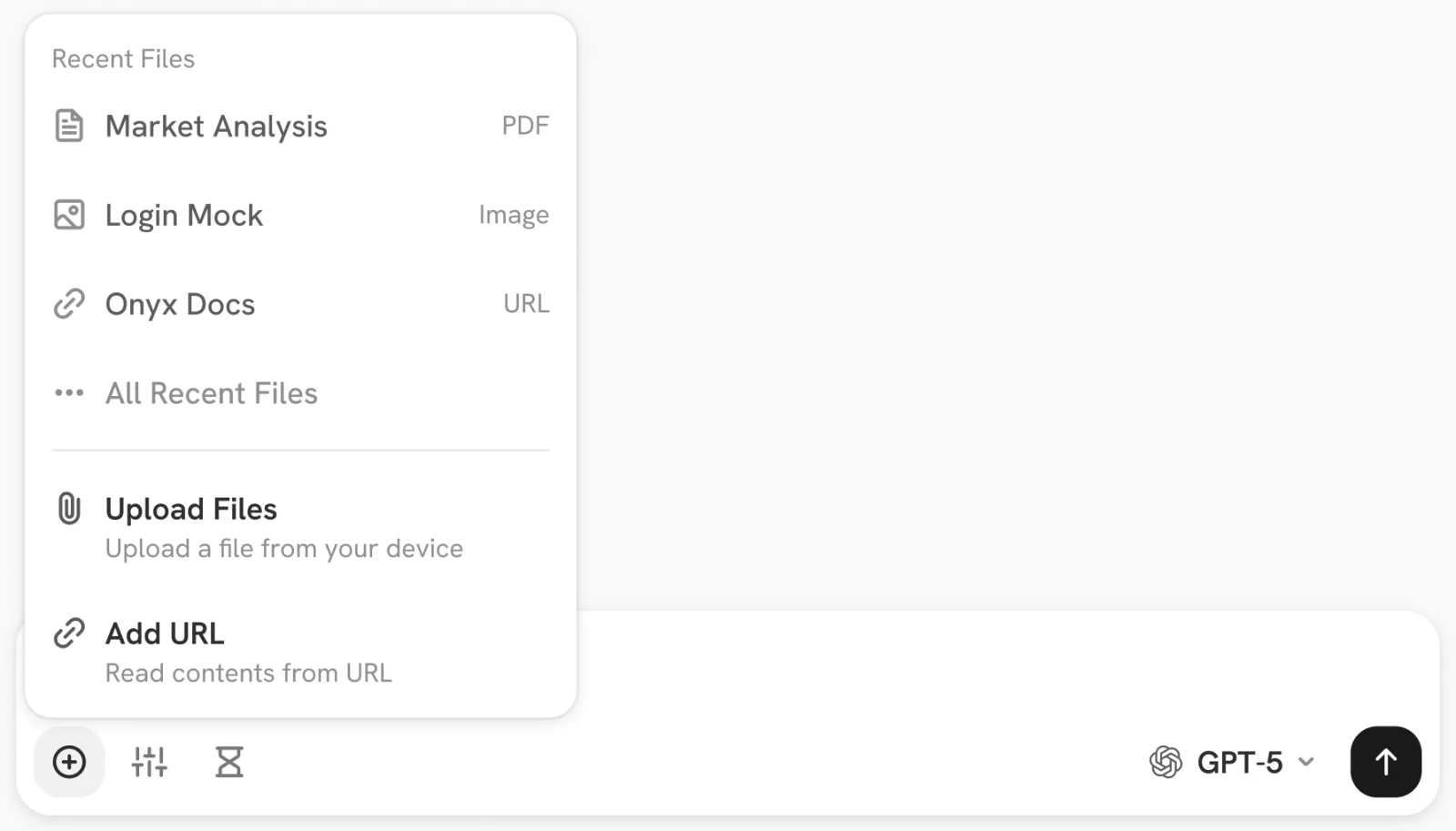
A dedicated AI workspace that knows your team's mail, files and wiki: chat-style search and answers with sources you can click through to. Powered by Onyx + Mistral, hosted in the EU.
Learn more →
Included with Mesh & Fleet
Also on the desktop. One icon per app, on the laptops we manage.
On Mesh and Fleet managed laptops, every app above also gets its own desktop icon. Mail in the Start menu, Files in the dock, Chat where you'd expect it. One login covers all of them, set up the day the laptop arrives. Same Outlook-and-Word feel your team is used to.
№ 003 / Underneath the suite
The rest is taken care of.
№ 02
Network ↗
Wherever your team works, they're on the company network.
Office, home, café, train: same private connection, same speed, no extra app to flick on. Your laptops, your servers and your offices all see each other; nobody else does.
№ 03
Devices ↗
Laptops that just work, on day one.
We ship laptops directly to each person, set up and ready. Open the box, sign in, get to work. If one is lost or stolen, we wipe it from here. Windows, Mac or Linux, whichever the team prefers.
№ 04
Security ↗
Locked down by default.
Two-step login on every account. A shared password vault for the team. Backups every night, tested every month so we know they actually work. GDPR paperwork already signed.
№ 004 / Onboarding
From "we'd like to switch"
to "switched"
in two weeks.
01
A 30-minute call
We look at your current Microsoft setup together, count users and devices, map who-uses-what. You leave with a quote and a migration date. No slides, no follow-up sequence.
02
We migrate your mail & files
Mailboxes, calendars, contacts, OneDrive folders, all copied across with full history, in the background, while your team keeps using the old system. Free with a 12-month commitment.
03
Switchover, on a Friday evening
DNS flips, your team logs into the new system Monday morning with their existing email address, their files exactly where they left them. We're on the line all weekend. Your old Microsoft contract: cancelable.
№ 005 / Founding cohort, open
The first five companies get the founding deal.
- → Three months free · no commitment, no card on file, no installation fee.
- → Mail and file migration from your current Microsoft setup, included.
- → Direct line to the founder for the full year.
- → "Founding customer" mark on the wall, only with your consent.