
№ 01.1 / Office Suite / Mail
Mail · Calendar · Contacts · Tasks
№ 01.1 · part of the suite
Webmail, calendar, contacts and tasks: one window, like Outlook.
What it does
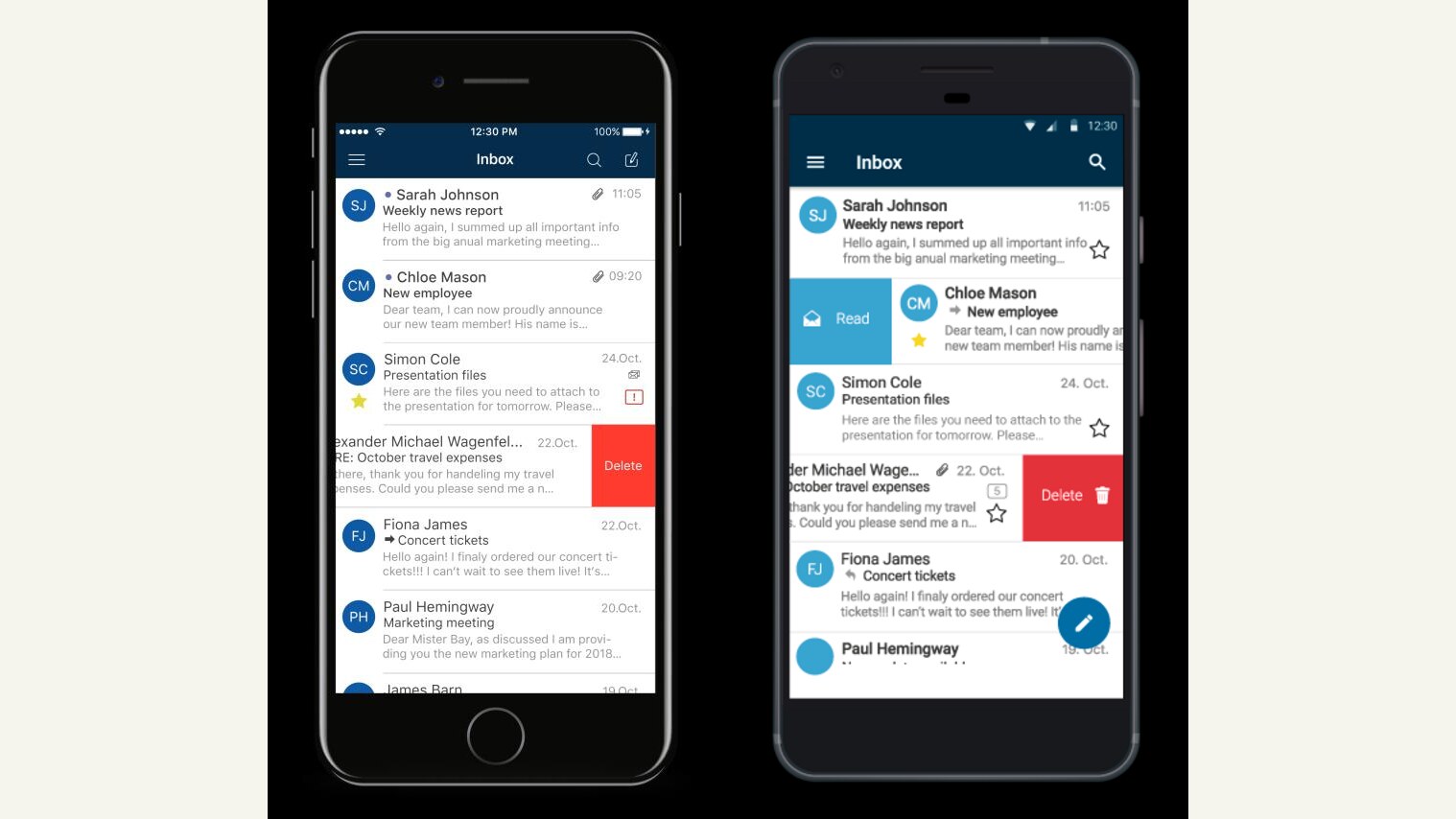
Your team's mailboxes, calendars, contacts and tasks under one login, in one window. Works with every native mail app (iPhone, Android, macOS Mail, Outlook, Thunderbird) over open standards, so nobody has to learn a new client. Rules, signatures and out-of-office sit on the server, so they apply whether you're on a laptop or a phone.
OX App Suite · Open-Xchange
№ 01 · Featured
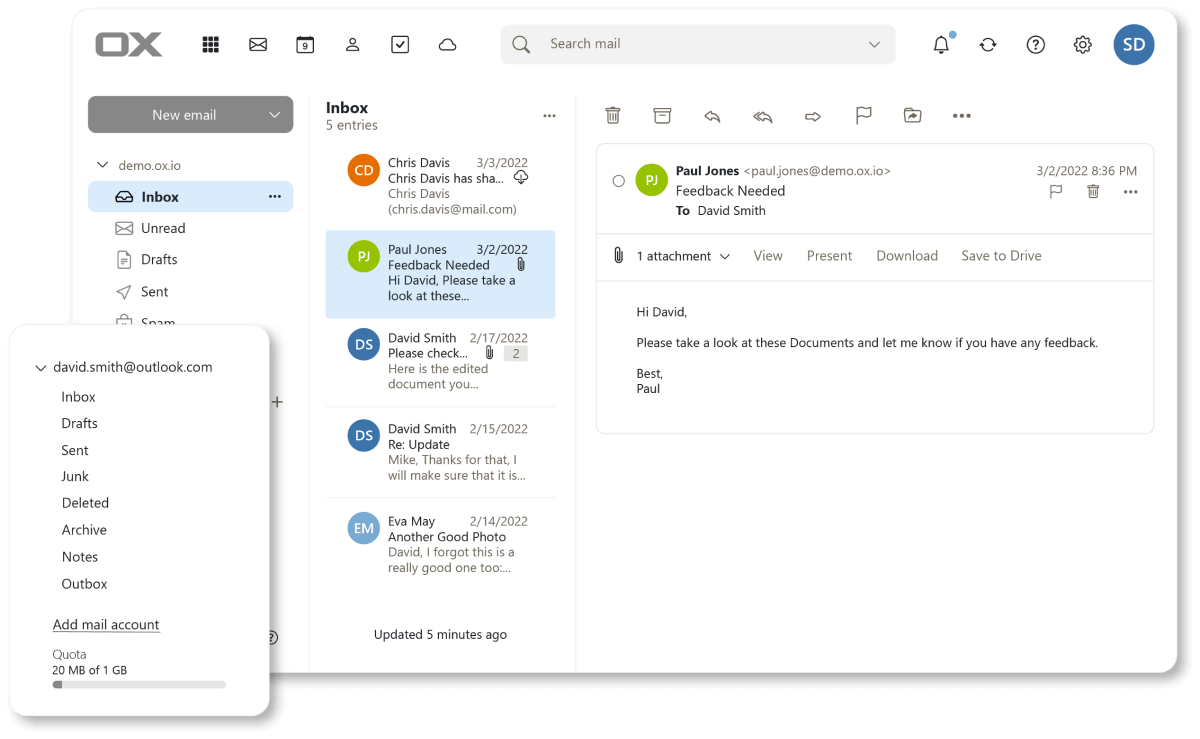
Mail: inbox, threads, search.
A real webmail with folders, search and threads. Works in any IMAP client over open standards (Apple Mail, Outlook, Thunderbird).
✓ Included in every tier
OX App Suite · Open-Xchange
№ 02 · Featured
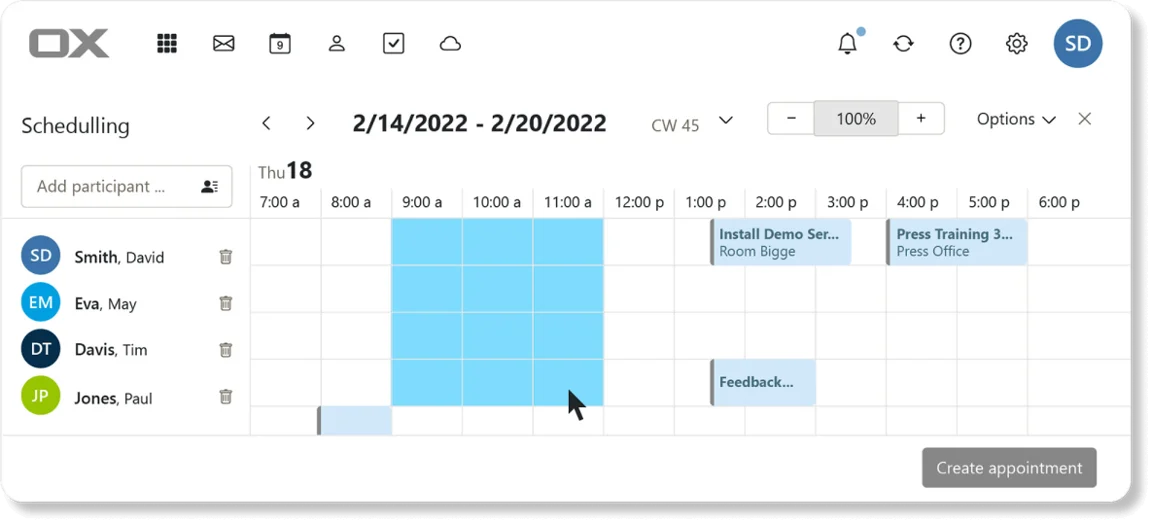
Calendar: personal and team.
Free/busy across attendees, multi-attendee scheduling. CalDAV sync to iOS Calendar and Google Calendar.
✓ Included in every tier
OX App Suite · Open-Xchange
№ 03 · Featured
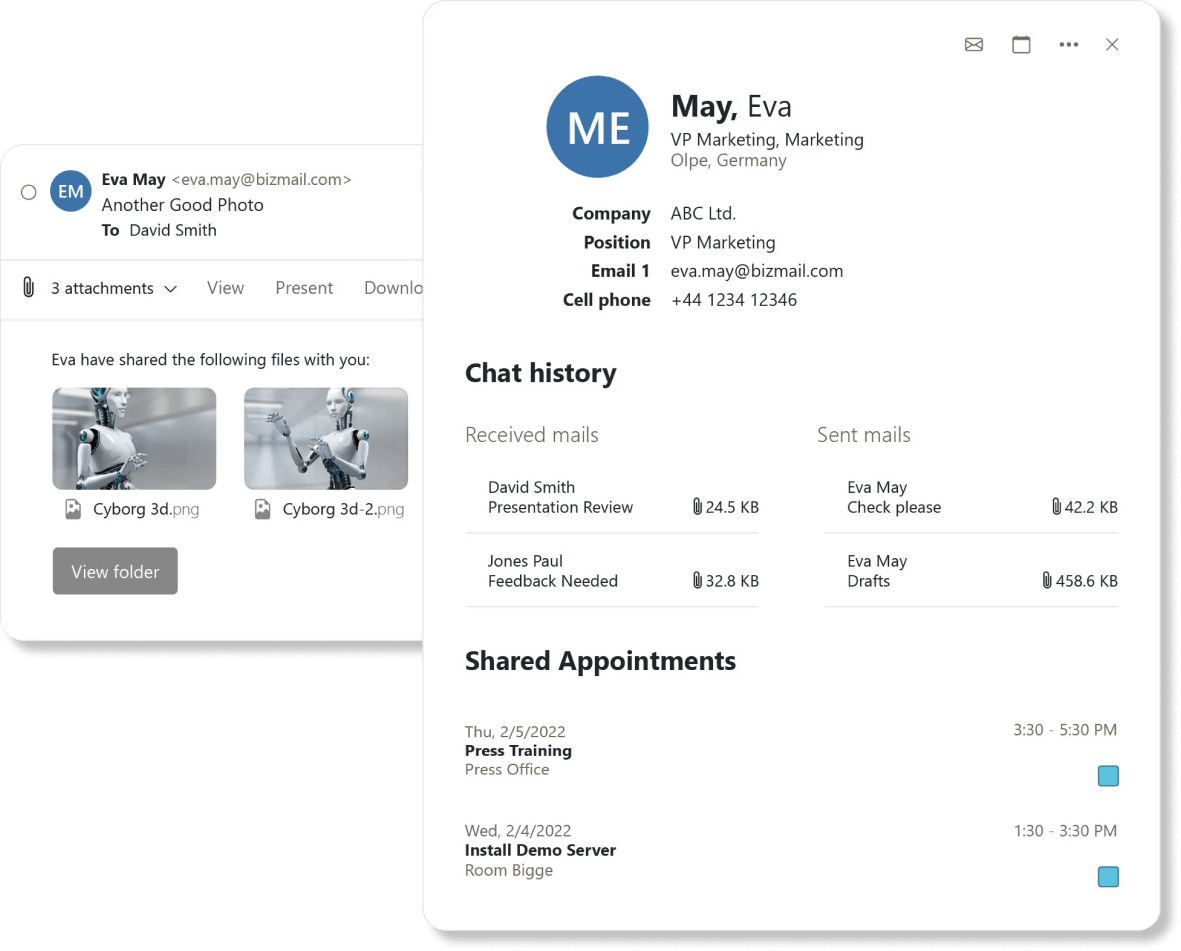
Contacts: one address book.
Personal contacts plus shared distribution lists. CardDAV sync to iOS and Android.
✓ Included in every tier
OX App Suite · Open-Xchange
№ 04 · Featured
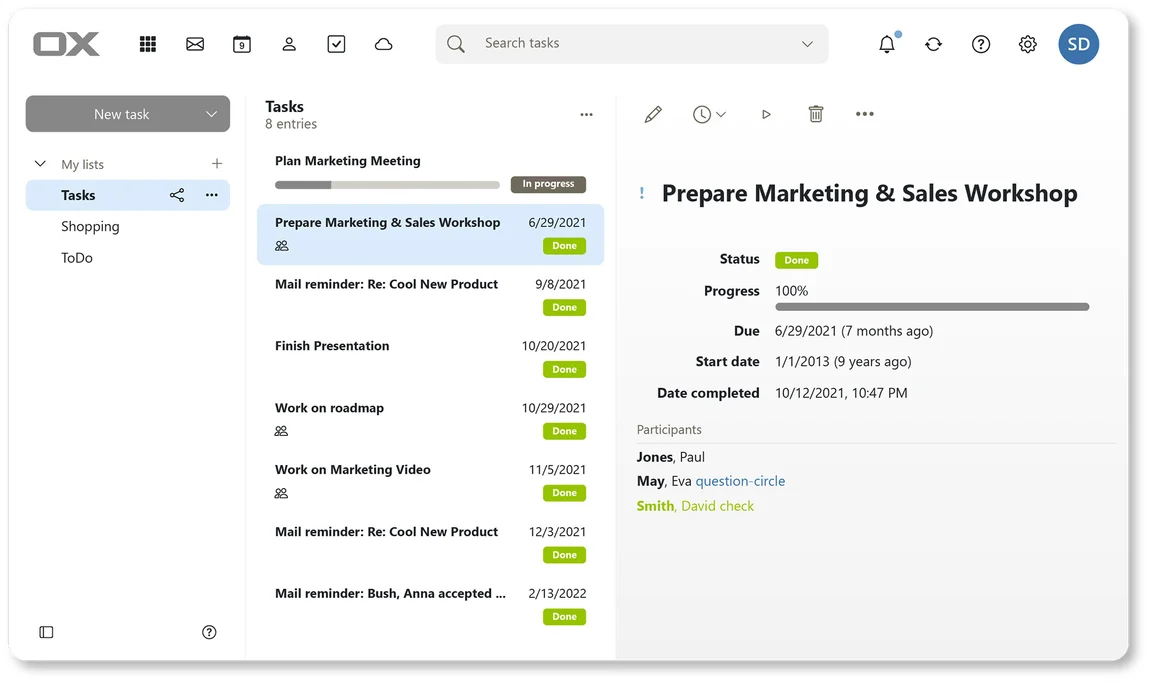
Tasks: shared to-do lists.
Deadlines, progress, status and assignees, shared across the team.
✓ Included in every tier
OX Mail v2 product guide · Open-Xchange · via software.open-xchange.com
№ 05 · Featured
Push to iPhone and Android
Mail, calendar and contacts push to the apps that ship with the phone: Apple Mail, iOS Calendar, Google's Mail and Contacts. Nothing extra to install.
✓ Included in every tier
Also included
The operational layer.
Server-side rules and filters
Sort, redirect, flag and auto-reply, applied on the server, so the same rules run whether you're on a laptop or a phone.
Works with every desktop client
Apple Mail, Outlook and Thunderbird connect over IMAP, SMTP, CalDAV and CardDAV.
Vacation responder and signatures
Set once, applied across desktop and mobile.
End-to-end encryption built in
Per-message PGP for the conversations where leak risk has to be zero: supplier negotiations, board minutes, regulated workflows.
Two-factor login
TOTP and WebAuthn (YubiKey, Touch ID) on every account.
Login brute-force protection
Built-in shield blocks credential-stuffing attempts at the auth layer.
30-day deleted-item recovery
Soft-delete window plus admin-side recovery for accidents.
Available in
Every tier. In the browser.
Mail ships in Core, Mesh and Fleet: same software, same features. The difference between tiers is operational: Mesh and Fleet add a desktop launcher and (for applicable apps) a sync client, and Fleet adds the managed laptops we ship with everything pre-configured.