
№ 01.7 / Office Suite / Notes
Notes
№ 01.7 · part of the suite
OneNote-style notes: pages, sub-pages, end-to-end encrypted.
What it does
OneNote-style note-taking: notebooks of pages and sub-pages, rich-text editing, image and file attachments. Real-time co-editing for shared notebooks, end-to-end encrypted for the personal ones. Built for the everyday capture that's lighter than the wiki and looser than a document: meeting notes, day-of jotting, draft thinking, follow-up lists.
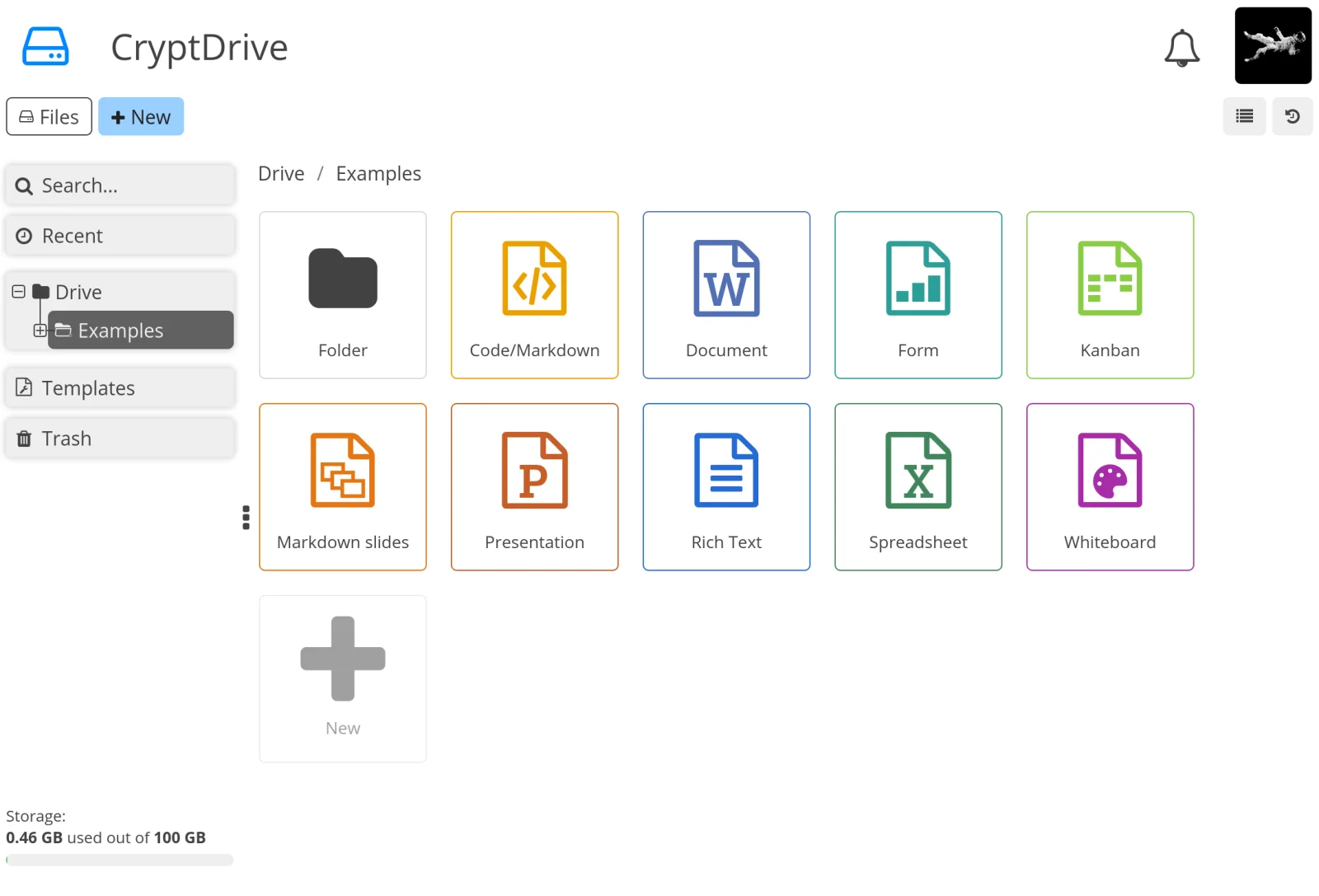
CryptPad · XWiki SAS · AGPLv3 via github.com/cryptpad/cryptpad
№ 01 · Featured
Pages and sub-pages, like notebooks
Folders inside folders, pages inside pages: the OneNote mental model. Notebook → section → page; drag-to-reparent, breadcrumb navigation.
✓ Included in every tier
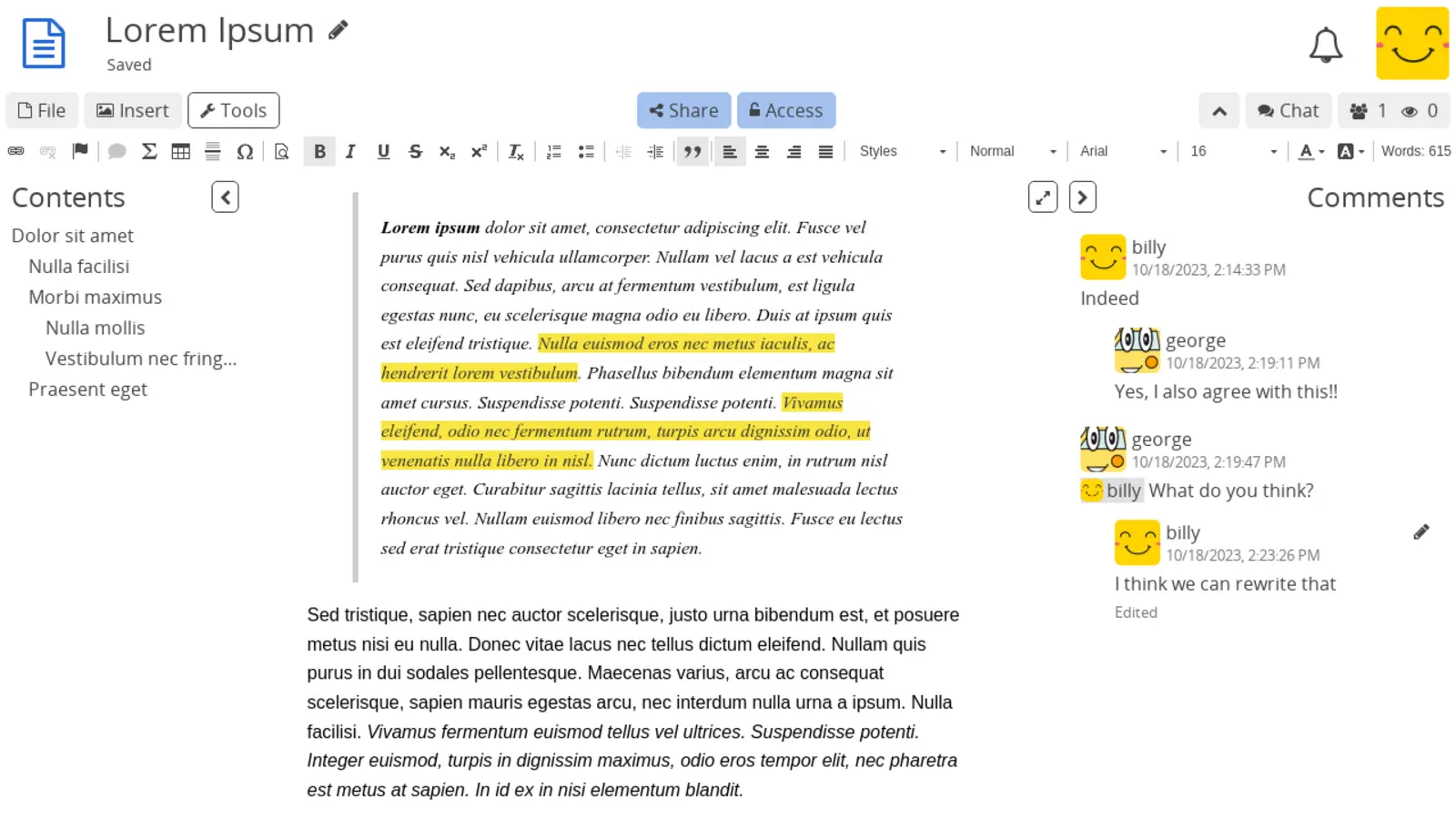
CryptPad 2025.9 · XWiki SAS · AGPLv3 via docs.cryptpad.org
№ 02 · Featured
Rich-text editing
Headings, lists, tables, code blocks, inline images, quote blocks: the writing experience your team already has in Word or OneNote.
✓ Included in every tier
Also included
The operational layer.
End-to-end encrypted
Personal notes are encrypted in the browser before they reach the server, so even the operator can't read them. Team notes can opt back in to server-side preview if you want shared search.
Real-time co-editing
Two people on the same page see each other's cursors. Useful for meeting notes that the whole team writes together.
Image and file attachments
Drop screenshots, PDFs and Office documents into a page; images render inline.
Browser-based, works on every device
Open notes from any laptop, tablet or phone browser. Same login as the rest of the suite.
Guest access via shareable link
Share a single page with someone outside your team: the link grants read or edit access without an account.
Per-page version history
Restore an earlier version of any page; full history kept inside the encryption boundary.
Folders, tags and granular sharing
Organise notebooks the way your team thinks; share a single page or a whole branch.
One thing to know
Server-side search and admin content audits are unavailable on end-to-end encrypted pages by design; encryption is the point. For pages where shared search matters, the option to disable encryption is per-notebook.
Available in
Every tier. In the browser.
Notes ships in Core, Mesh and Fleet: same software, same features. The difference between tiers is operational: Mesh and Fleet add a desktop launcher and (for applicable apps) a sync client, and Fleet adds the managed laptops we ship with everything pre-configured.